
MVP Baseball 2004
Step up to the plate and experience the thrilling evoluti...

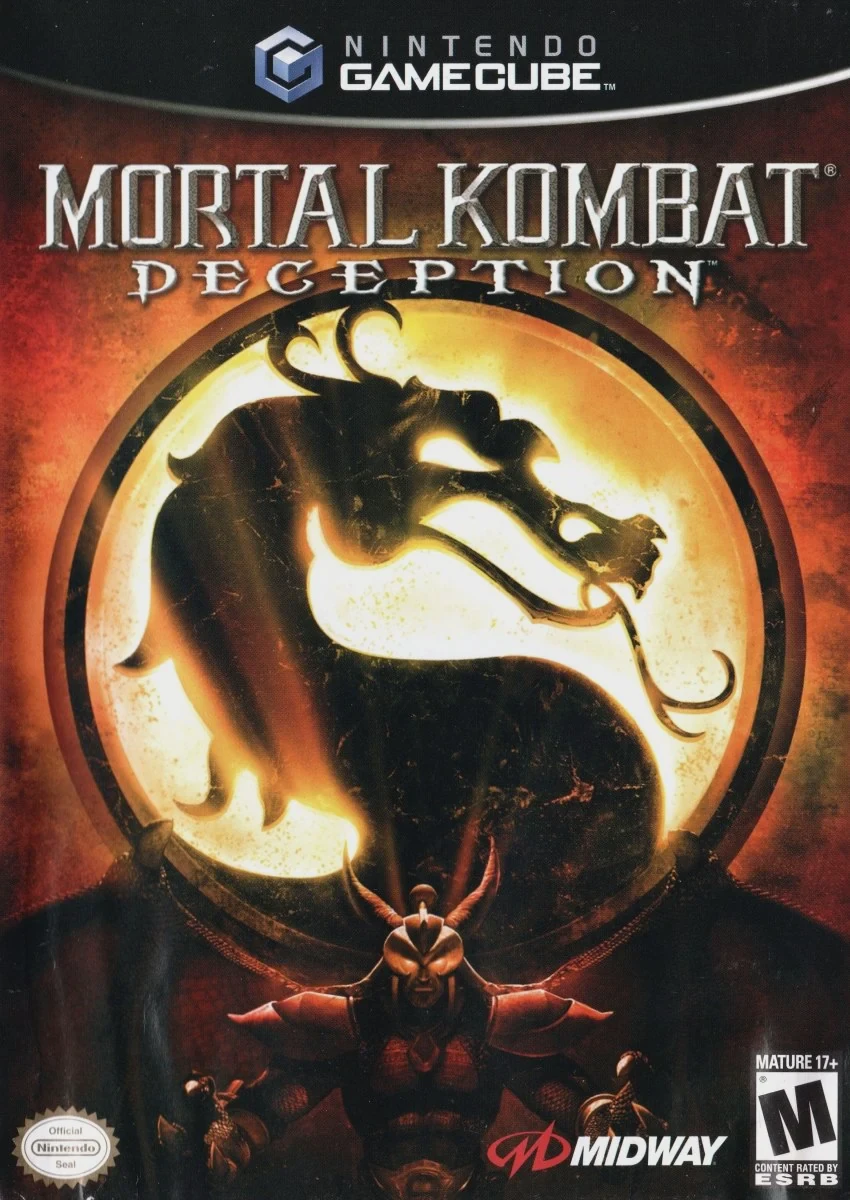
Mortal Kombat: Deception is a 3D fighting game developed and published by Midway Games. Renowned for being one of the most content-rich entries in fighting game history, it builds upon its predecessor with refined combat speed and explosive tactical additions.
Combat in Deception centers on each fighter possessing three distinct fighting styles (two hand-to-hand martial arts styles and one weapon style) that can be swapped mid-combo. New mechanics include Combo Breakers, interactive multi-tiered arenas filled with death traps, and Hara-Kiri moves, which allow defeated players to commit suicide before the winner executes a Fatality.
Beyond 1-on-1 matches, Deception features Konquest Mode, an open-world action-RPG adventure following Shujinko through the various realms, alongside bonus mini-games like Chess Kombat and Puzzle Kombat.
The Nintendo GameCube version holds a special place among fans as it includes two exclusive playable roster additions directly available from the start: the legendary thunder god Raiden and the iconic netherrealm ninja Goro.
Field | Detail |
Full Title | Mortal Kombat: Deception |
Platform | Nintendo GameCube (NGC) |
Genre | Fighting / 3D Versus Fighter |
Developer | Midway Games |
Publisher | Midway Games |
Release Date | March 1, 2005 (North America) / August 19, 2005 (Europe) |
Region Formats | NTSC-U / PAL |
Game Modes | Single-Player, Local Multiplayer (1–2 Players) |
Display Options | 480i / 480p Progressive Scan Support |
Media Type | Nintendo GameCube Game Disc (1 Disc) |
GameCube Exclusive Characters: Features Goro and Shao Kahn as exclusive playable fighters unlocked on the GameCube roster.
3-Style Combat Engine: Seamlessly transition mid-combo between two real-world martial arts fighting styles and one weapon style per character.
Interactive Arenas & Death Traps: Utilize multi-tiered arenas featuring instant-kill hazards like acid vats, floor spikes, wall rollers, and high-cliff drops.
Hara-Kiri Finishing Moves: Defeated opponents can enter a self-destruct command during the finish him/her window to steal the winner's Fatality moment.
Konquest RPG Mode: Embark on a massive open-world quest playing as Shujinko, unlocking Krypt koins, secret characters, alternate costumes, and lore across all six realms.
Chess Kombat & Puzzle Kombat: Enjoy deep side modes combining turn-based strategy chess with fighting mechanics, or competitive tile-matching puzzle battles.
The Nintendo GameCube version features two exclusive playable characters on its roster: Shao Kahn and Goro, both of whom are unlocked from the start.
A Hara-Kiri is a self-inflicted finishing move. When a round ends and the prompt to "Finish Him/Her" appears, the loser can input a specific button sequence to perform a self-destruction before the winning player can execute a Fatality.
The game supports up to 2 players simultaneously in local Versus, Chess Kombat, and Puzzle Kombat modes using standard Nintendo GameCube controllers.
Yes, Mortal Kombat: Deception supports 480p progressive scan output on the Nintendo GameCube for crisp and clear picture quality on compatible displays.
Click the links below to go to the cloud drive download page
⚠️ Download Tips:
Step up to the plate and experience the thrilling evoluti...

Experience the pinnacle of simulation baseball in MVP Bas...

Catch massive air, execute bone-crushing stunts, and tear...
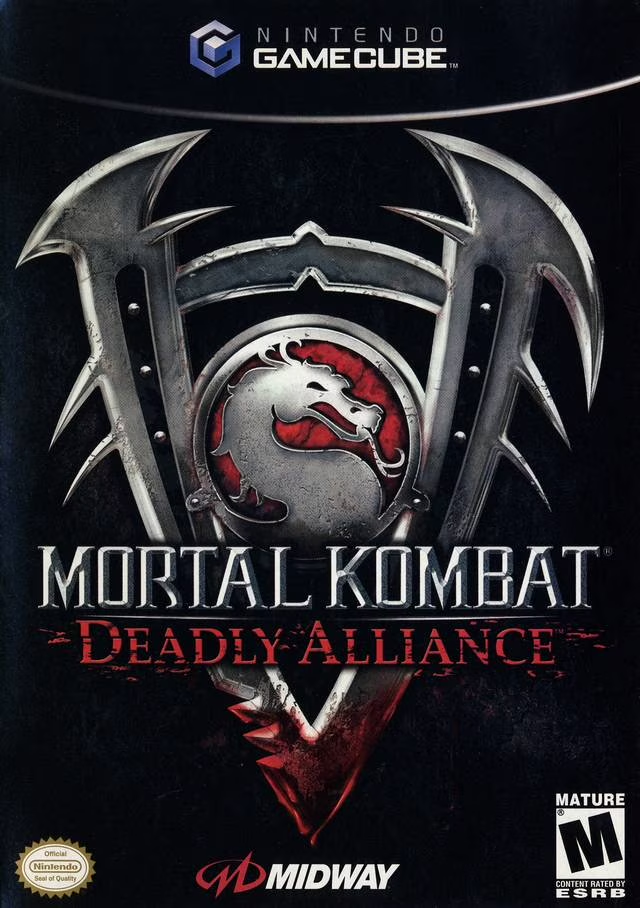
Reinventing the premiere gory fighting franchise for the ...

Step up to the plate and drop your gloves in MLB SlugFest...