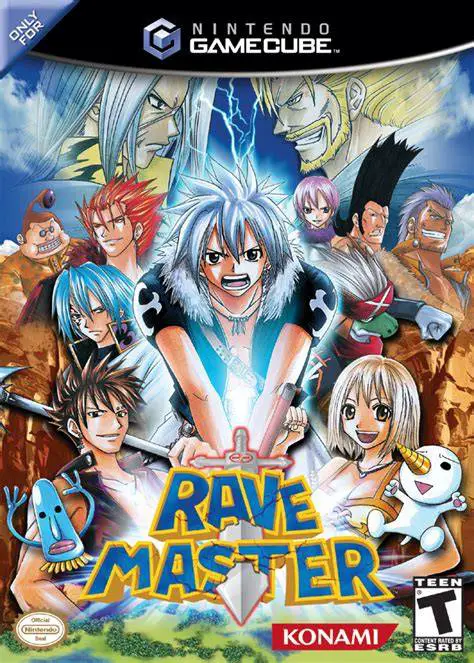
Rave Master
Rave Master (known in Japan as Rave: Special Attack Force...

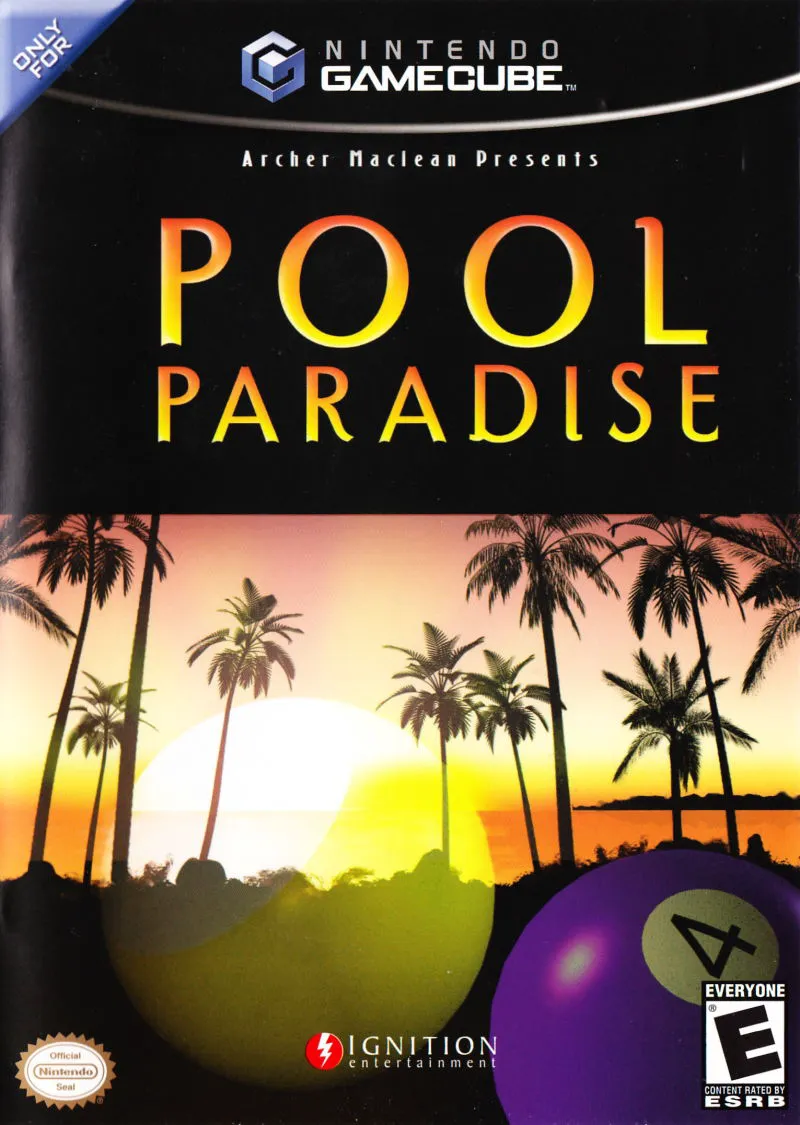
Pool Paradise brings a fresh, tropical twist to traditional billiards simulations. Released on the Nintendo GameCube in 2004, the game was spearheaded by Archer Maclean and Awesome Developments, building upon their reputation for industry-leading, hyper-accurate ball physics while embedding the experience into an immersive island resort setting.
Instead of navigating sterile menu screens, players are thrust onto a vibrant South Pacific island resort owned by a smooth-talking shark named Droprock. Players start with a modest bankroll and must challenge a quirky cast of 30 island residents to 8-Ball, 9-Ball, Snooker, and custom cue games to earn money. Earned cash can be spent at the island pro shop to purchase custom cues, higher-grade chalk, new billiard balls, and access to exclusive high-stakes tournament venues.
Beyond standard pool, Pool Paradise is loaded with creative arcade variations and retro mini-games. Players can take a break from the tables to play animated target-shooting gallery challenges, skee-ball, or even a full emulated port of Archer Maclean’s classic retro arcade game, Dropzone. Combined with intuitive analogue controls, customizable camera angles, and smooth local 2-player split-screen multiplayer, Pool Paradise offers an addictive blend of realistic strategy and lighthearted arcade fun.
Developer: Awesome Developments
Publisher: Ignition Entertainment / Telegames
Platform: Nintendo GameCube
Genre: Sports / Billiards Simulation
Release Date: March 30, 2004 (North America), June 18, 2004 (Europe)
Modes: Single-player, 2-Player Local Multiplayer
Media: GameCube Optical Disc
Advanced Physics Engine: Features hyper-realistic cue ball spin (english), massé shots, speed friction, and cushion bounce mechanics designed by Archer Maclean.
Tropical Island Campaign: Explore 10 distinct island locations, challenging 30 unique AI opponents across escalating wager matches and tournaments.
Extensive Rule Variations: Play 11 different rule sets, including US 8-Ball, UK 8-Ball, 9-Ball, 14.1 Continuous, Rotation, Killer, Speed Pool, and Snooker.
Bonus Mini-Games & Arcade Classics: Unlock extra island activities including Dartboards, Skee-Ball, Coconut Cannons, and a full version of the retro shooter Dropzone.
Pro Shop Customization: Spend match winnings on custom pool cues, unique table felt colors, novel ball sets, and equipment upgrades.
A: Pool Paradise was created by veteran developer Archer Maclean and his studio Awesome Developments, known for their acclaimed billiards games like Jimmy White's Whirlwind Snooker.
A: Yes, the GameCube version features a robust 2-player local multiplayer mode where players can go head-to-head across any unlocked pool tables and rule sets.
A: In addition to standard pool games, you can play darts, coconut target practice, skee-ball, and the complete classic arcade shooter Dropzone.
A: Yes, the Nintendo GameCube version runs flawlessly on the Dolphin emulator, supporting native 60 FPS performance, high-definition internal resolution scaling, widescreen aspect ratio patches, and modern controller button mappings.
Click the links below to go to the cloud drive download page
⚠️ Download Tips:
Rave Master (known in Japan as Rave: Special Attack Force...
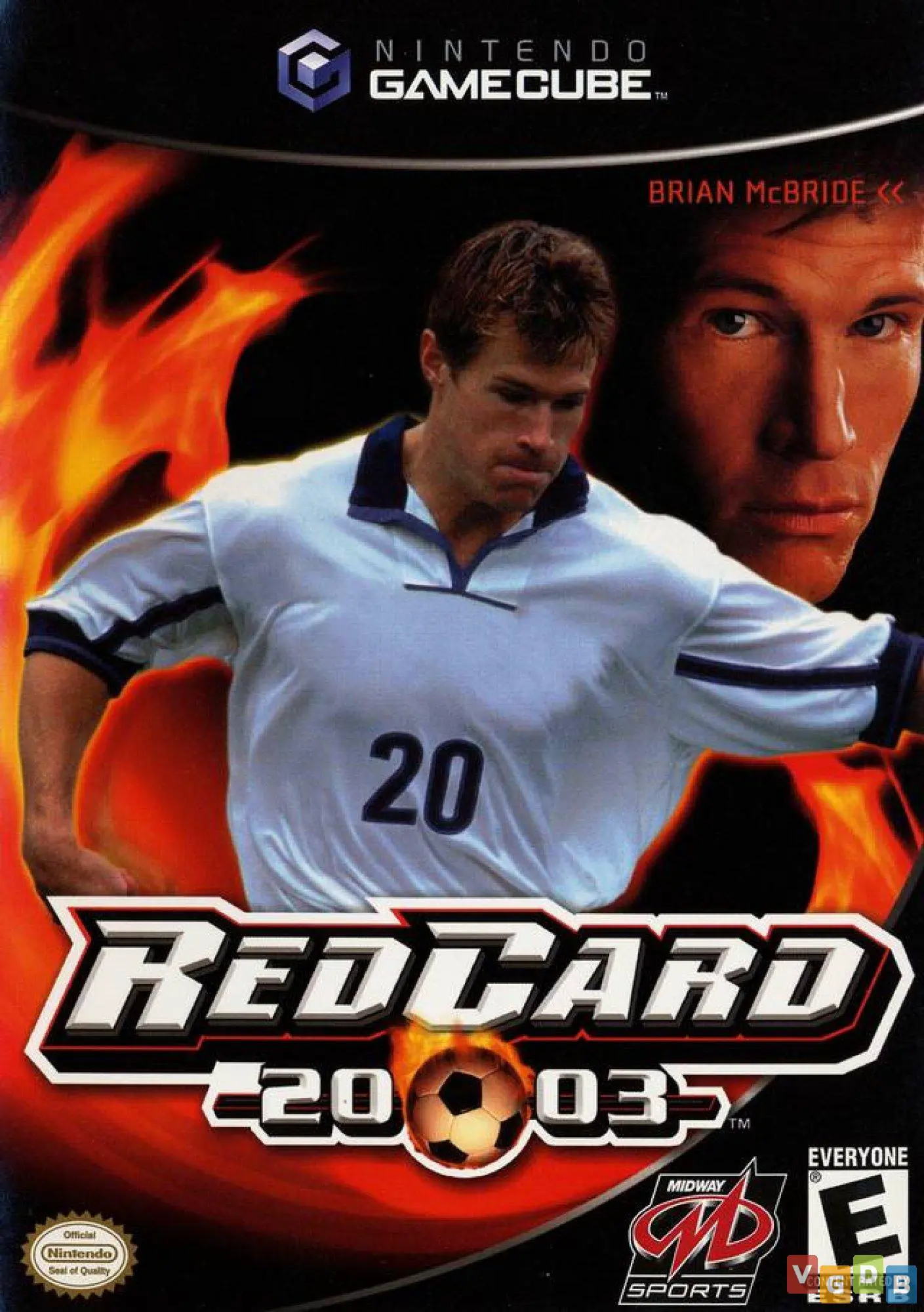
RedCard 20-03 is an intense, arcade-style sports combat g...
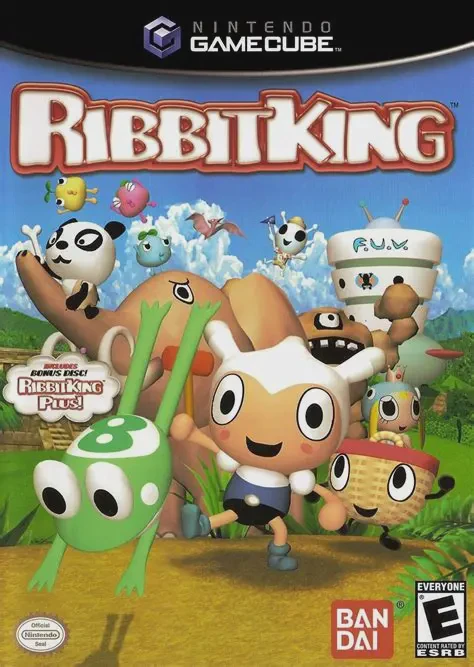
Ribbit King (featuring the bonus disc Ribbit King Plus!) ...
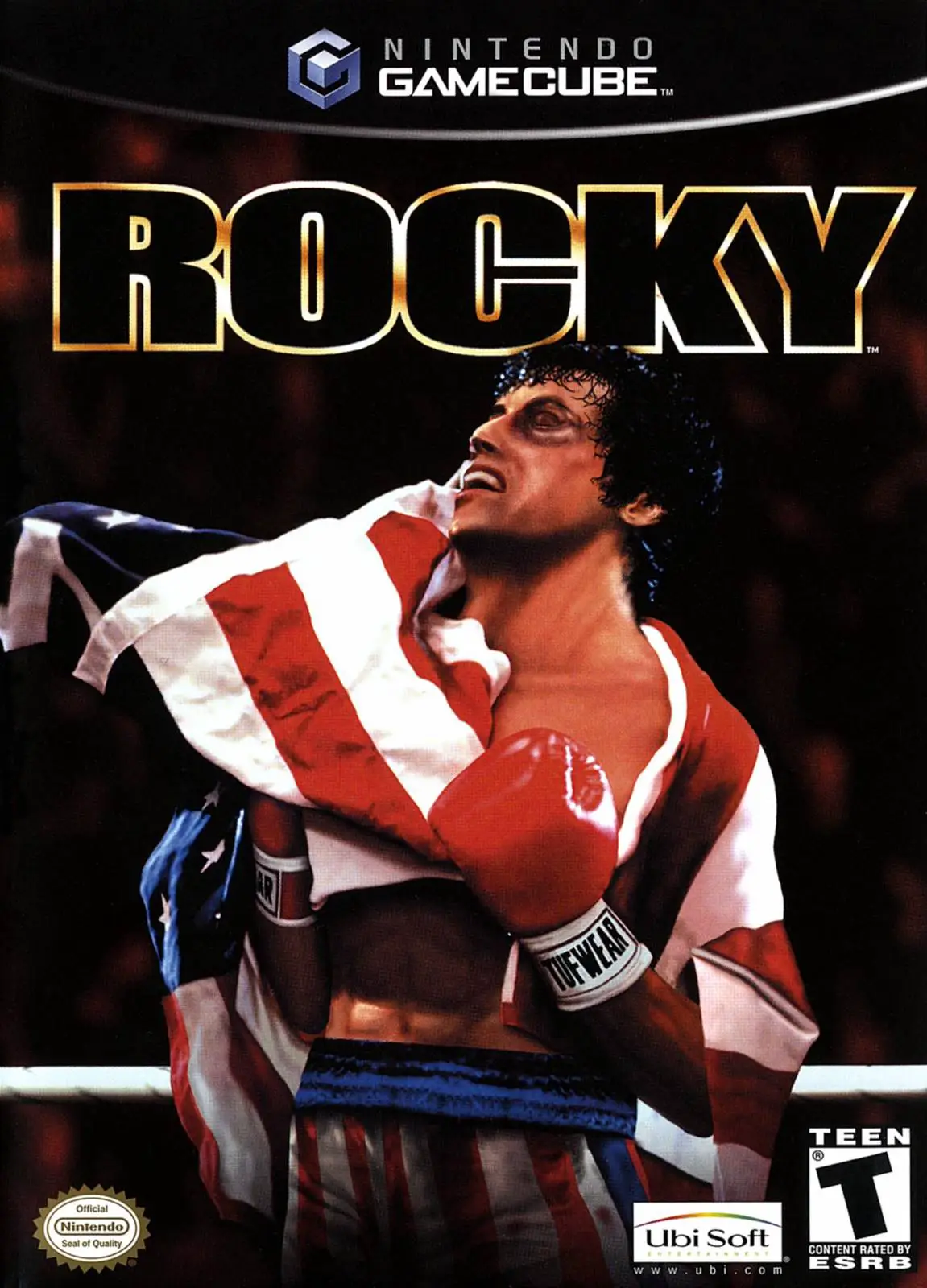
Rocky is a fast-paced sports fighting game developed by R...
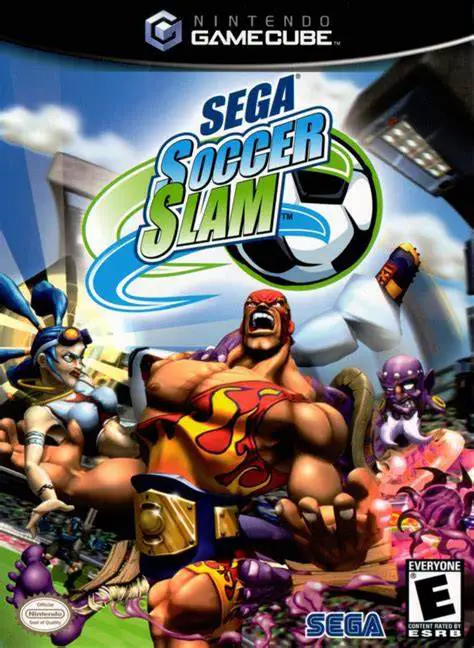
Sega Soccer Slam is an arcade-style sports combat game de...