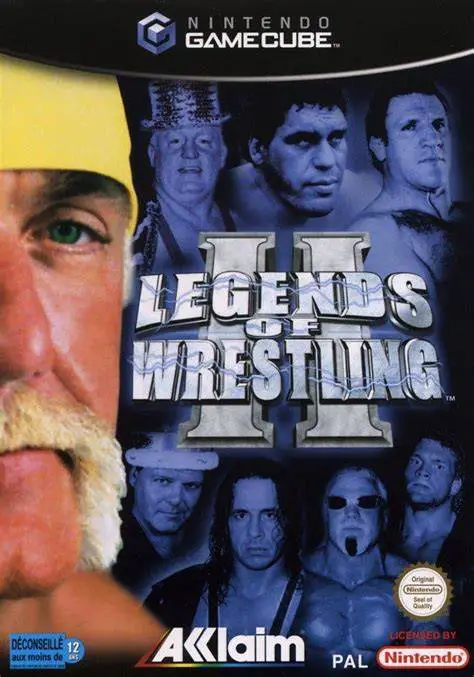
Legends of Wrestling II
Step into the squared circle with the greatest icons in p...

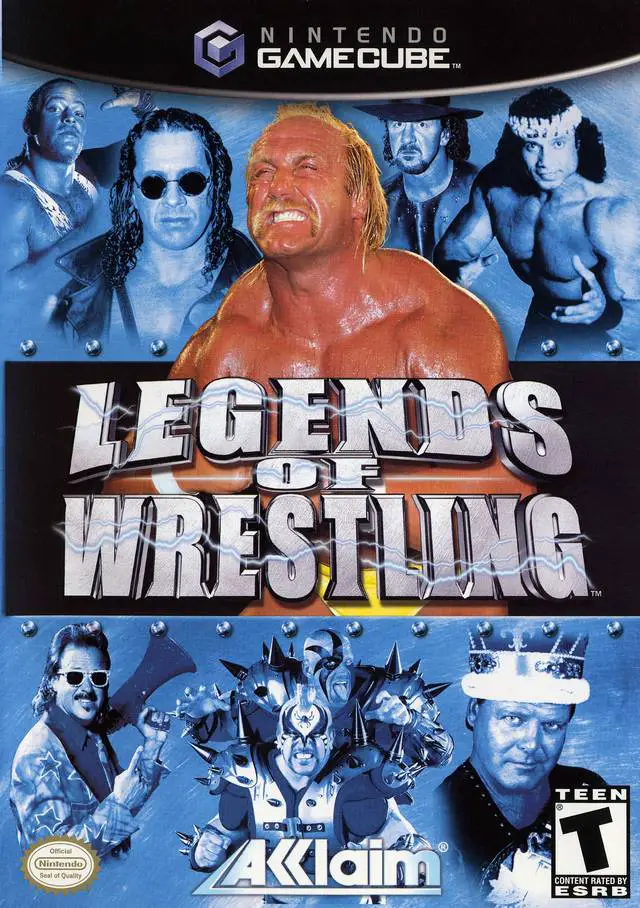
Legends of Wrestling was developed by Acclaim Studios Salt Lake and published by Acclaim Entertainment. Serving as the inaugural title in the Legends of Wrestling series on sixth-generation consoles, the game brought together an unprecedented collection of over 40 ring icons without being tied to a single modern brand like WWE or WCW.
The game features an elite lineup of ring icons, including Hulk Hogan, Bret "Hitman" Hart, RVD (Rob Van Dam), Terry Funk, Jerry "The King" Lawler, Jimmy "Superfly" Snuka, and The Iron Sheik. Players step into classic ring venues across iconic wrestling regions in the Career Mode, embarking on an international tour to win championships, build momentum, and earn entrance into the Hall of Fame.
Combat revolves around the Intermediate Hold System, which uses timing-based meters for grapples, counter-holds, submissions, and turnbuckle aerial strikes. Matches are announced by legendary wrestling commentator Gene Okerlund alongside Bobby "The Brain" Heenan, lending authentic retro broadcast flair to every match.
On the Nintendo GameCube, Legends of Wrestling features detailed stylized character models, responsive four-player couch multiplayer, a custom wrestler creation suite, and crisp 480p progressive scan display output.
Field | Detail |
Full Title | Legends of Wrestling |
Platform | Nintendo GameCube (NGC) |
Genre | Sports / Professional Wrestling |
Developer | Acclaim Studios Salt Lake |
Publisher | Acclaim Entertainment |
Release Date | May 27, 2002 (North America) / September 20, 2002 (Europe) |
Region Formats | NTSC-U / PAL |
Game Modes | Single-Player, Local Multiplayer (1–4 Players) |
Display Options | 480i / 480p Progressive Scan Support / PAL60 |
Media Type | Nintendo GameCube Game Disc (1 Disc) |
Historic Legend Roster: Command over 40 legendary professional wrestlers, including Hulk Hogan, Bret Hart, Rob Van Dam, Terry Funk, Ted DiBiase, and Sabu.
Classic Commentary Duo: Includes match commentary and play-by-play calls by Hall of Fame announcers "Mean" Gene Okerlund and Bobby "The Brain" Heenan.
Territory Tour Career Mode: Travel across world regions—from America's Midwest and Northeast to Mexico and Japan—winning belts and earning prestige.
Create-A-Wrestler Mode: Build custom wrestlers with personalized physical attributes, attire color schemes, move sets, and entrance music.
Specialized Ring Matches: Compete in Tag Team, Battle Royale, 3-Way Dance, 4-Way Dance, and Manager-assisted exhibition matches.
4-Player Local Multiplayer: Compete with up to four players on a single console in head-to-head, tag-team, or free-for-all matches.
The roster features over 40 classic performers, including Hulk Hogan, Bret "Hitman" Hart, Rob Van Dam, Terry Funk, Jerry Lawler, Jimmy Snuka, Ted DiBiase, The Iron Sheik, Sabu, and Ricky "The Dragon" Steamboat.
The game features commentary and entrance announcements recorded by Hall of Fame broadcasting duo "Mean" Gene Okerlund and Bobby "The Brain" Heenan.
The game supports up to 4 players simultaneously in local multiplayer modes—such as 4-way free-for-all, Tag Team, and Battle Royale matches—using standard GameCube controllers.
Yes, Legends of Wrestling supports 480p progressive scan output on the Nintendo GameCube for clean and sharp picture performance on compatible displays.
Click the links below to go to the cloud drive download page
⚠️ Download Tips:
Step into the squared circle with the greatest icons in p...
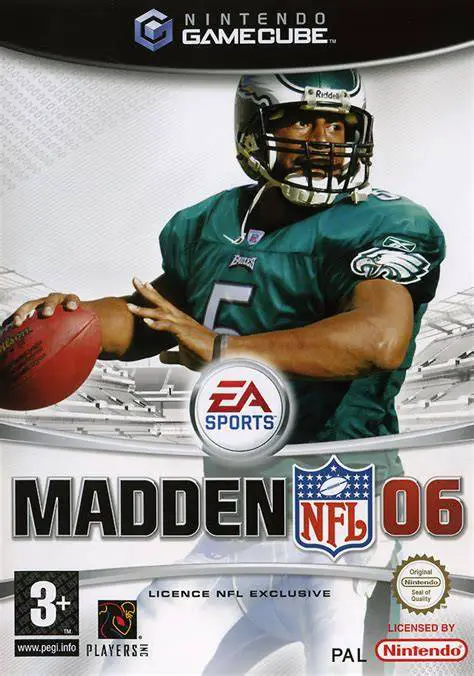
Drive your team to victory in Madden NFL 06, EA Tiburon a...
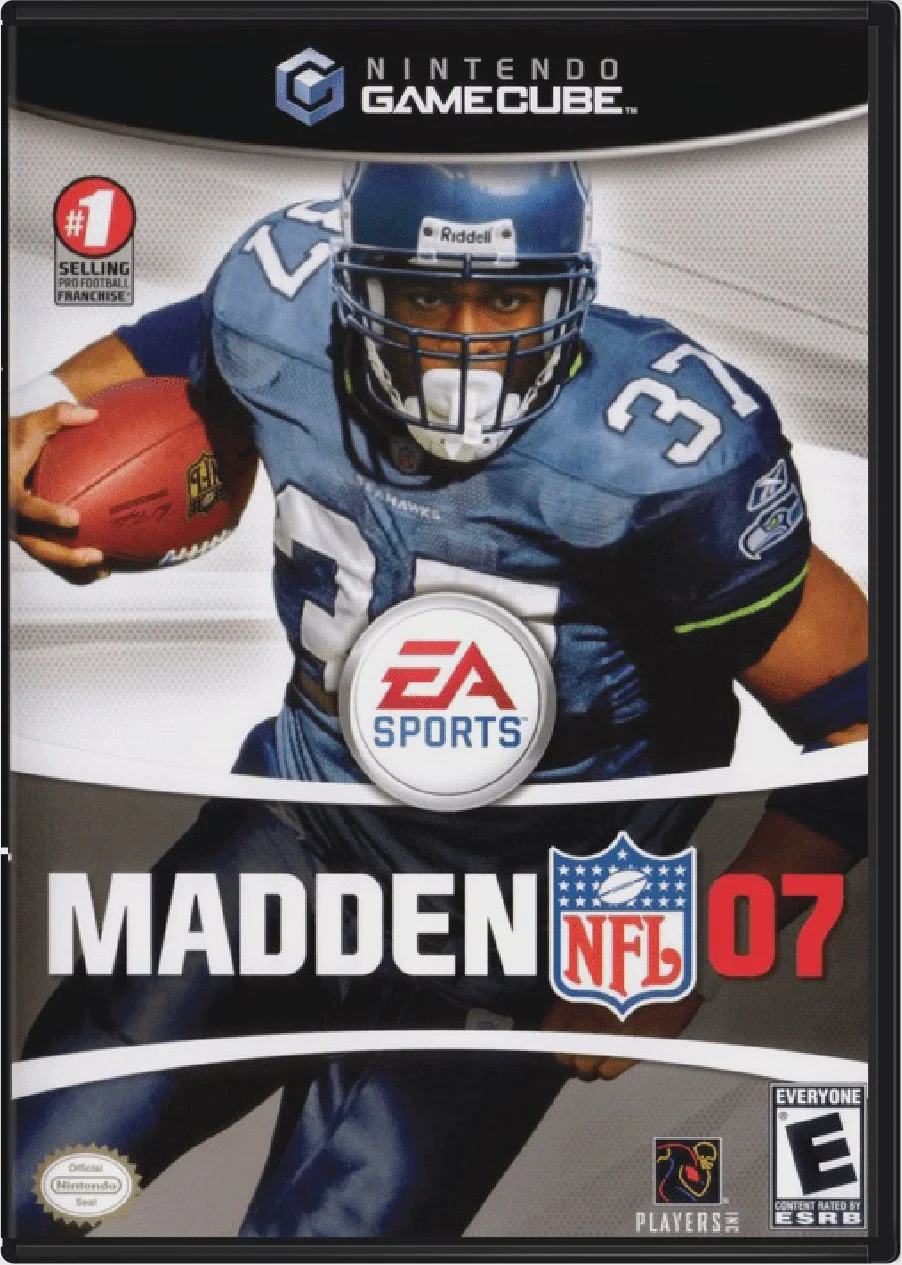
Lead your team to gridiron glory with Madden NFL 07, EA T...
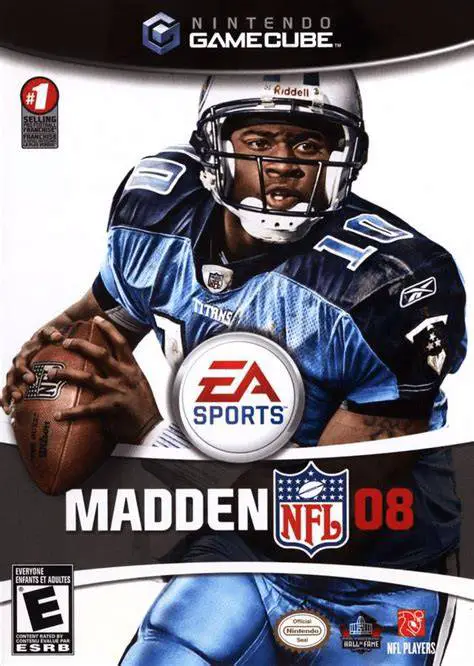
Take total control of your franchise and weaponize your s...
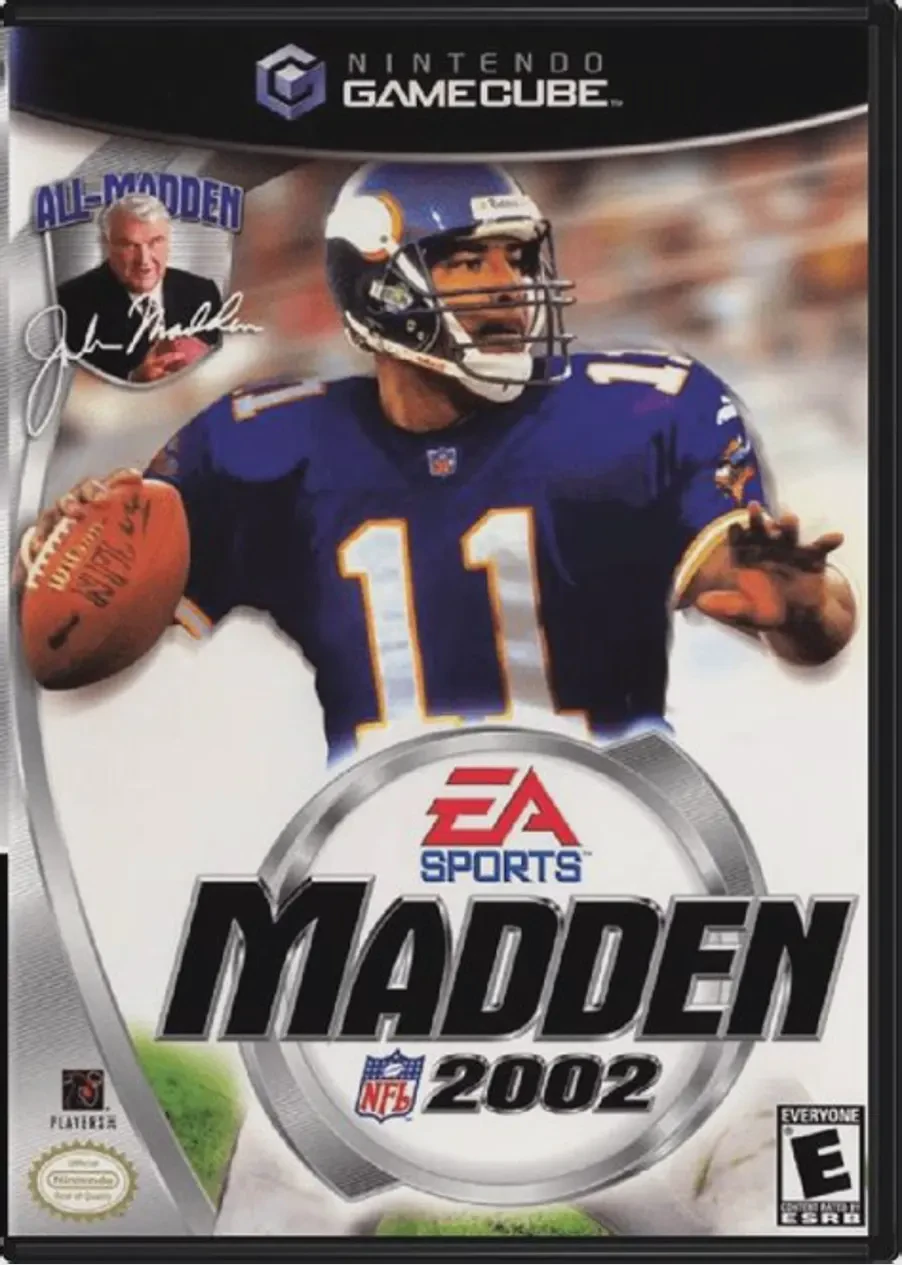
Kick off the 128-bit era of simulation football in Madden...