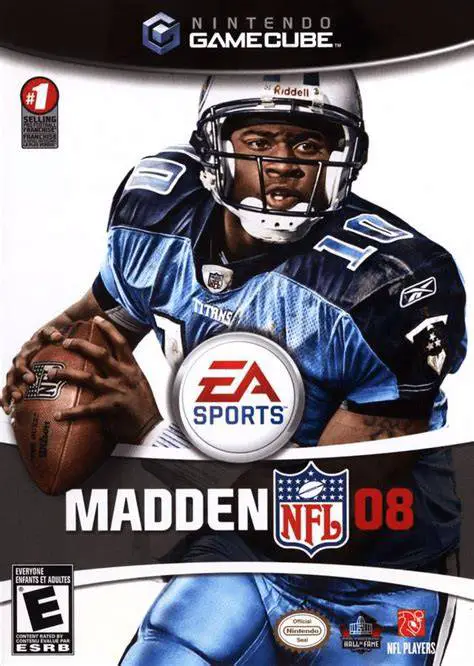
Madden NFL 08
Take total control of your franchise and weaponize your s...

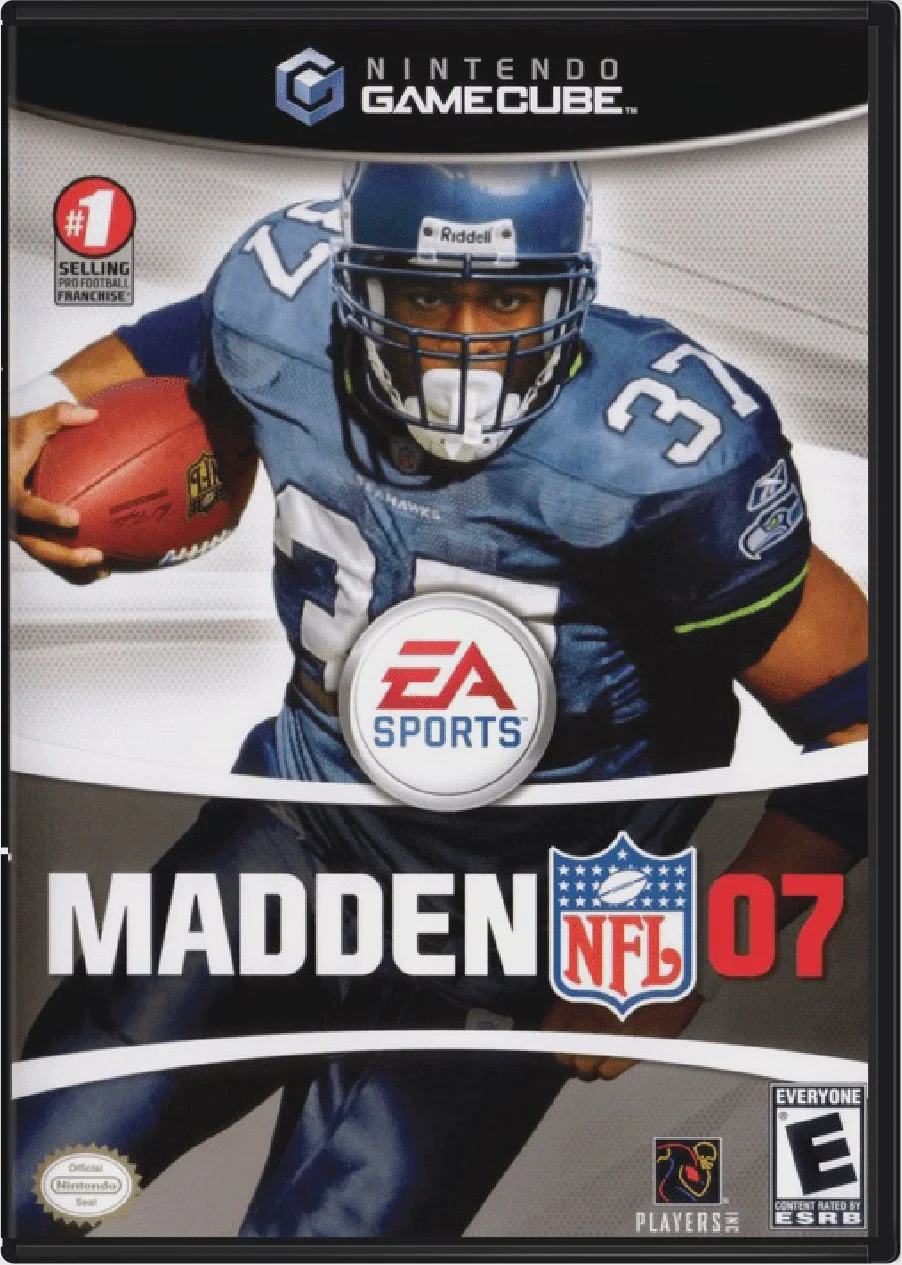
Madden NFL 07 was developed by EA Tiburon and published under the EA Sports label. Released near the peak of the Nintendo GameCube's lifecycle, this entry refined on-field offensive power while expanding career progression through dedicated player control modes.
The flagship innovation of Madden NFL 07 is Lead Blocker Control. For the first time in series history, players can switch control from the ball carrier to a fullbacks or offensive linemen mid-play to pave open lanes, throw pancake blocks, and clear room for big rushing gains. Complementing this is the Highlight Stick, an analog-stick movement system that allows agile running backs to perform dynamic hurdles, spins, and jukes while heavy power backs plow through tackles.
On the single-player front, Madden NFL 07 introduced NFL Superstar Mode, where players create and manage an individual athlete from draft day combine drills through off-field endorsements, agent negotiations, and Hall of Fame induction.
On the Nintendo GameCube, Madden NFL 07 runs at a smooth 60fps, supports 16:9 widescreen output, and offers local 4-player competitive and cooperative multiplayer modes.
Field | Detail |
Full Title | Madden NFL 07 |
Platform | Nintendo GameCube (NGC) |
Genre | Sports / American Football |
Developer | EA Tiburon |
Publisher | Electronic Arts (EA Sports) |
Release Date | August 22, 2006 (North America) / September 22, 2006 (Europe) |
Region Formats | NTSC-U / PAL |
Game Modes | Single-Player, Local Multiplayer (1–4 Players) |
Display Options | 480i / 480p Progressive Scan / 16:9 Widescreen Support |
Media Type | Nintendo GameCube Game Disc (1 Disc) |
Lead Blocker Control: Switch to an offensive lineman or fullback pre-snap or mid-play to pancake defenders and lead the rushing attack.
The Highlight Stick: Execute context-sensitive moves—power through tackles with heavy backs or pull off quick evasive maneuvers with smaller, agile runners using the C-Stick.
NFL Superstar Hall of Fame Mode: Guide a single player's entire NFL career, handling agent choices, practice drills, off-field interviews, and hall-of-fame ambitions.
Expanded Franchise Depth: Manage roster chemistry, local fan enthusiasm, stadium construction, and dynamic player scouting over multi-season runs.
4-Player Local Multiplayer: Compete in local head-to-head, co-op, or tournament games with up to four players on a single console.
Lead Blocker Control allows you to take direct control of a lead blocker (such as a fullback or pull guard) during running plays. You can manually target key defenders to throw blocks and open running lanes for your computer-controlled running back before switching back to the runner.
NFL Superstar Mode is an individual career mode where you create a customized player (or choose an authentic NFL rookie), hire agents, take personality quizzes, train in combine drills, and play exclusively as that single athlete throughout their entire professional career.
The game supports up to 4 players concurrently in local head-to-head or cooperative matches using standard Nintendo GameCube controllers.
Yes, Madden NFL 07 supports both 480p progressive scan output and native 16:9 widescreen display mode on the Nintendo GameCube for sharp and clear presentation on modern displays.
Click the links below to go to the cloud drive download page
⚠️ Download Tips:
Take total control of your franchise and weaponize your s...
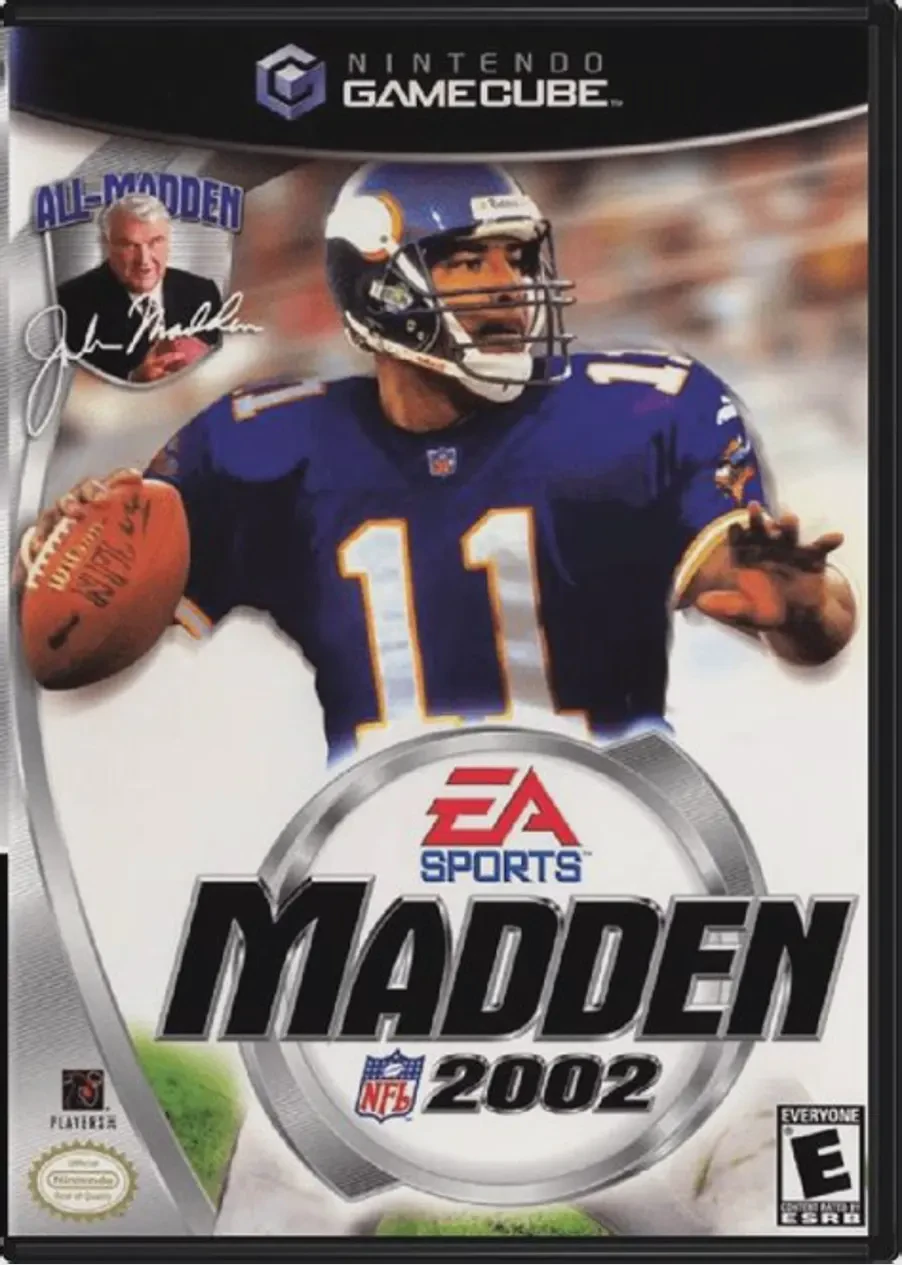
Kick off the 128-bit era of simulation football in Madden...
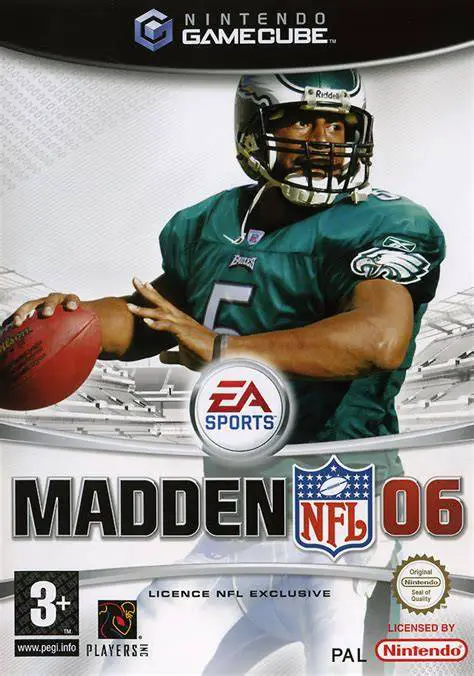
Drive your team to victory in Madden NFL 06, EA Tiburon a...
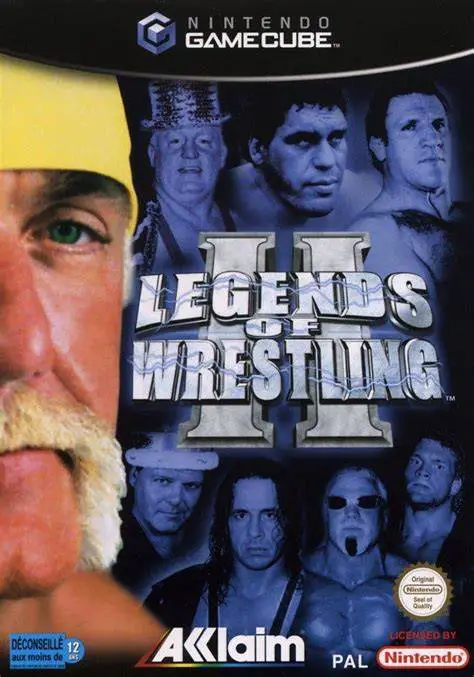
Step into the squared circle with the greatest icons in p...
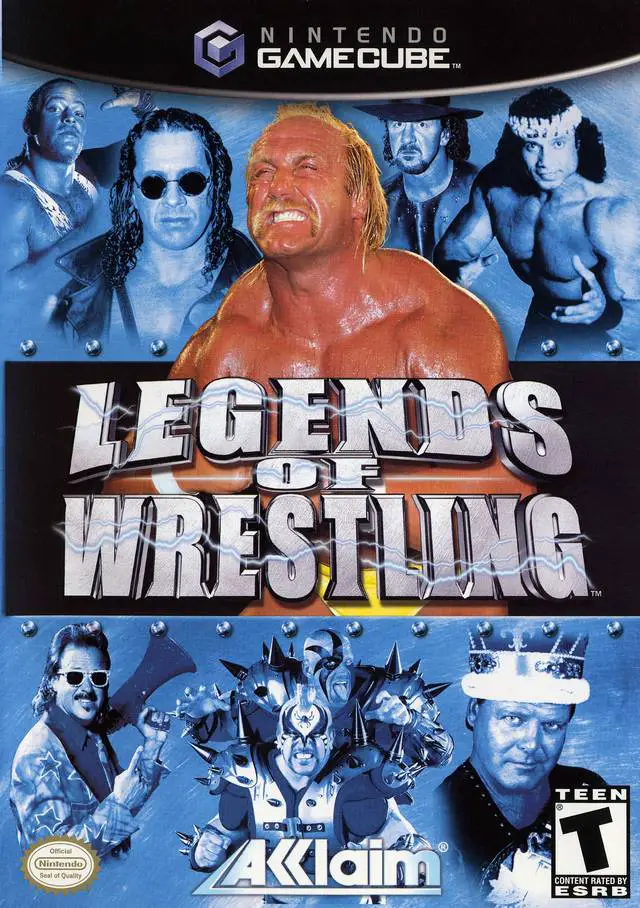
Step back in time to the golden era of professional wrest...