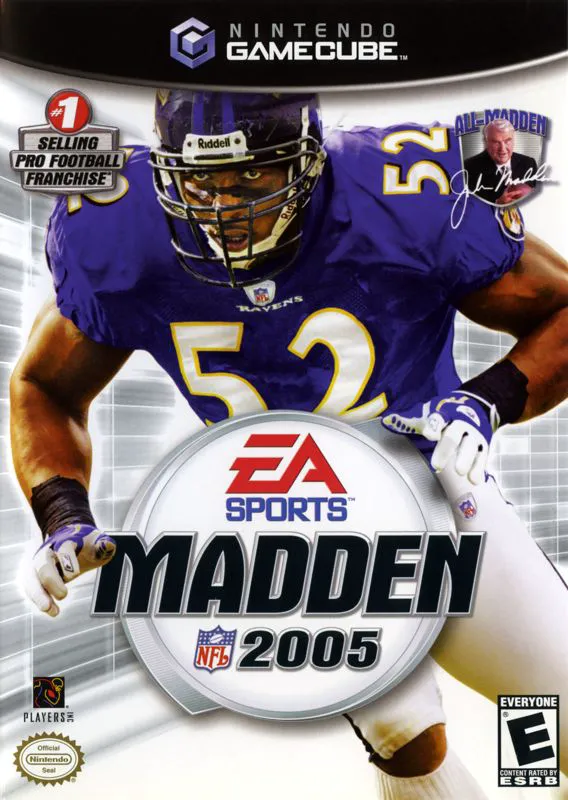
Madden NFL 2005
Bring heavy-hitting defensive dominance to the gridiron i...

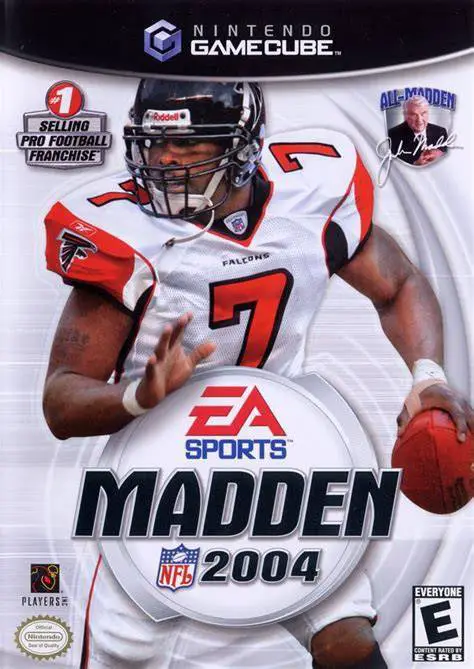
Madden NFL 2004 was developed by EA Tiburon and published under the EA Sports banner. Widely regarded by fans and critics as a high-water mark for football simulations, the game refined on-field mechanics while adding massive structural depth to single-player career progression.
On the field, Madden NFL 2004 debuted the Playmaker Control system. Using the right analog stick, players can make real-time adjustments on the fly before and during the play—switching blocking assignments, directing receivers during broken plays, or shifting defensive coverage to counter offensive formations. The game is also famous for its depiction of Atlanta Falcons quarterback Michael Vick, whose incredible speed and agility made him one of the most dominant individual athletes in sports gaming history.
Off the field, Madden NFL 2004 expanded Franchise Mode into Owner Mode. Players take full operational control of an NFL franchise, managing ticket prices, hot dog costs, coaching staff hires, stadium renovations, and even team relocation across a 30-year career.
On the Nintendo GameCube, Madden NFL 2004 delivers fluid 60fps presentation, responsive C-Stick controls, deep Memory Card support for custom rosters and playbooks, and local 4-player multiplayer action.
Field | Detail |
Full Title | Madden NFL 2004 |
Platform | Nintendo GameCube (NGC) |
Genre | Sports / American Football |
Developer | EA Tiburon |
Publisher | Electronic Arts (EA Sports) |
Release Date | August 12, 2003 (North America) / September 12, 2003 (Europe) |
Region Formats | NTSC-U / PAL |
Game Modes | Single-Player, Local Multiplayer (1–4 Players) |
Display Options | 480i / 480p Progressive Scan Support |
Media Type | Nintendo GameCube Game Disc (1 Disc) |
Playmaker Control System: Use the right analog stick pre-snap or mid-play to redirect receivers, change blocking schemes, or adjust defensive zone coverage.
Deep Owner Mode: Manage stadium finances, concession pricing, staff salaries, fan satisfaction, and optional team relocation over 30 franchise seasons.
Michael Vick Era Gameplay: Take advantage of cover star Michael Vick's iconic speed and agility, defining an iconic era of mobile quarterback gameplay.
Create-A-Playbook & Roster Customization: Design custom offensive and defensive playbooks and edit detailed player attributes.
4-Player Local Multiplayer: Compete in head-to-head or cooperative local multiplayer modes with up to four GameCube controllers.
Owner Mode is an expanded franchise system where players manage both on-field play and off-field business operations—including setting prices for food and merchandise, hiring coaches, upgrading stadiums, and managing team finances.
Playmaker Control uses the C-Stick (right analog stick) to make immediate tactical adjustments. On offense, you can redirect receivers on broken passing plays or flip run directions; on defense, you can shift coverage or order quick blitzes.
The game supports up to 4 players simultaneously in local head-to-head or co-op play using standard Nintendo GameCube controllers.
Yes, Madden NFL 2004 supports 480p progressive scan output on the Nintendo GameCube for clean, sharp picture performance on compatible displays.
Click the links below to go to the cloud drive download page
⚠️ Download Tips:
Bring heavy-hitting defensive dominance to the gridiron i...
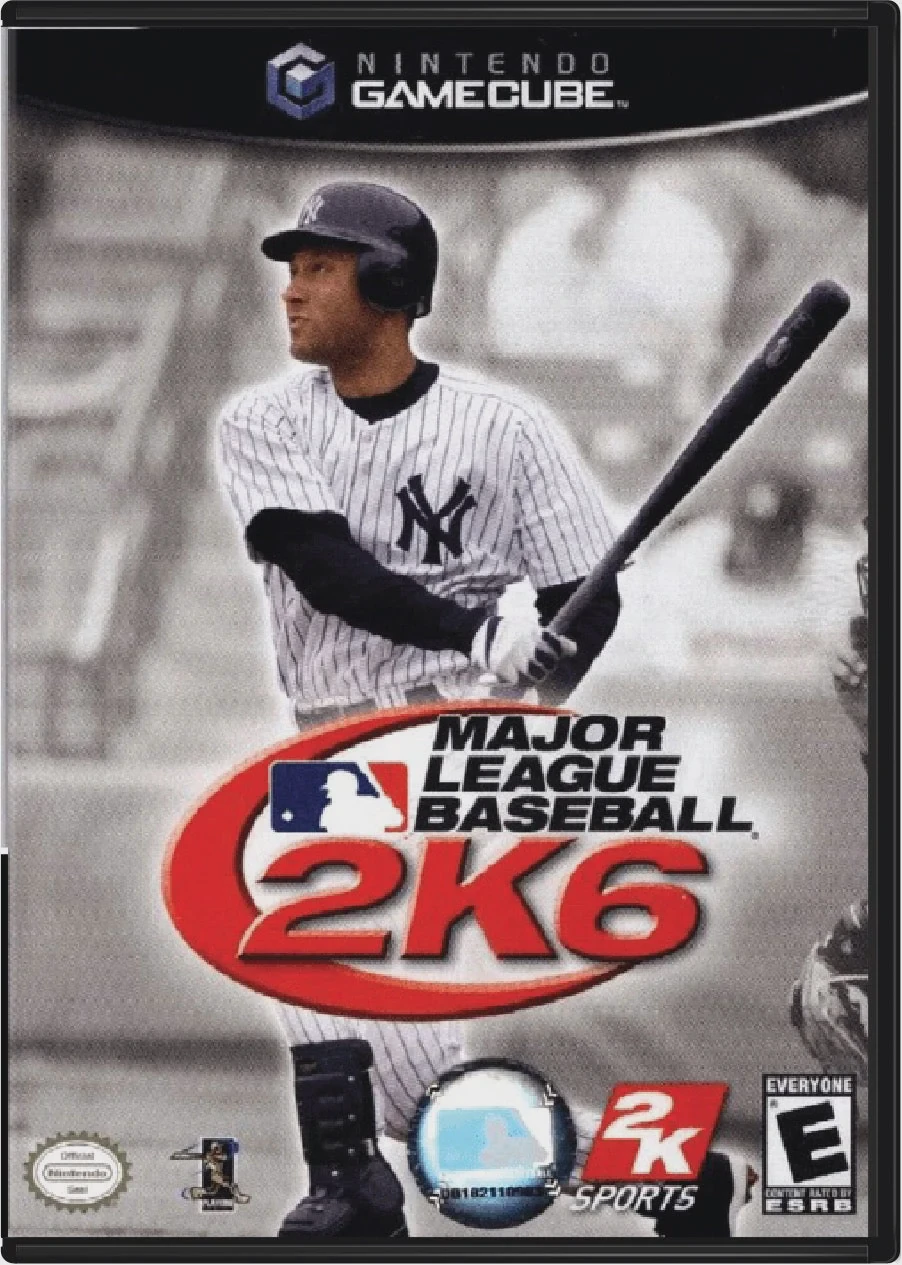
Step up to the plate and experience authentic professiona...
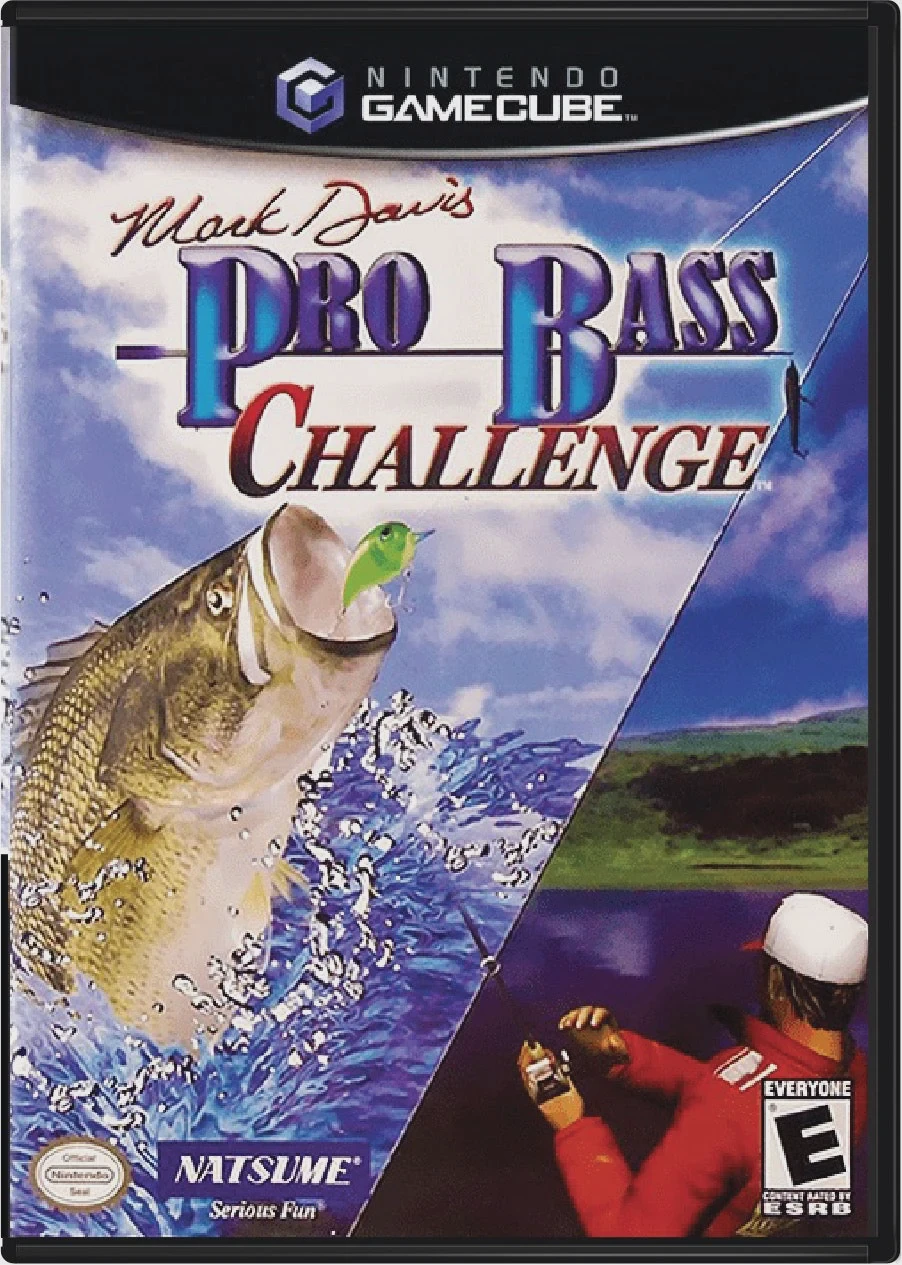
Reel in trophy-sized largemouth bass and test your anglin...
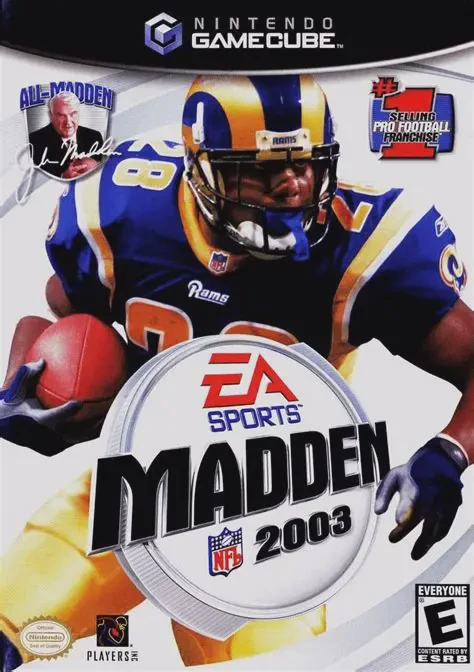
Take the field for another high-caliber football season i...
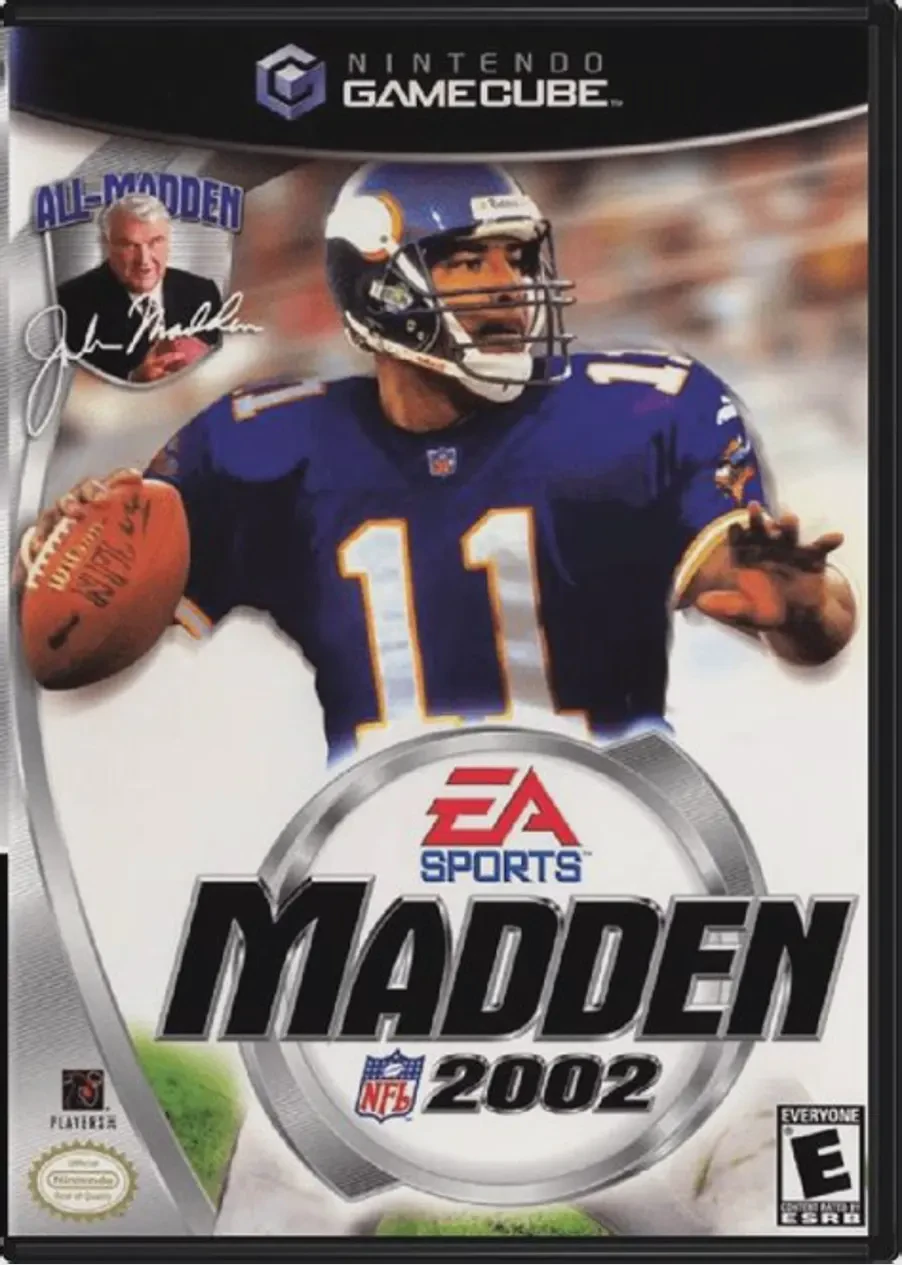
Kick off the 128-bit era of simulation football in Madden...