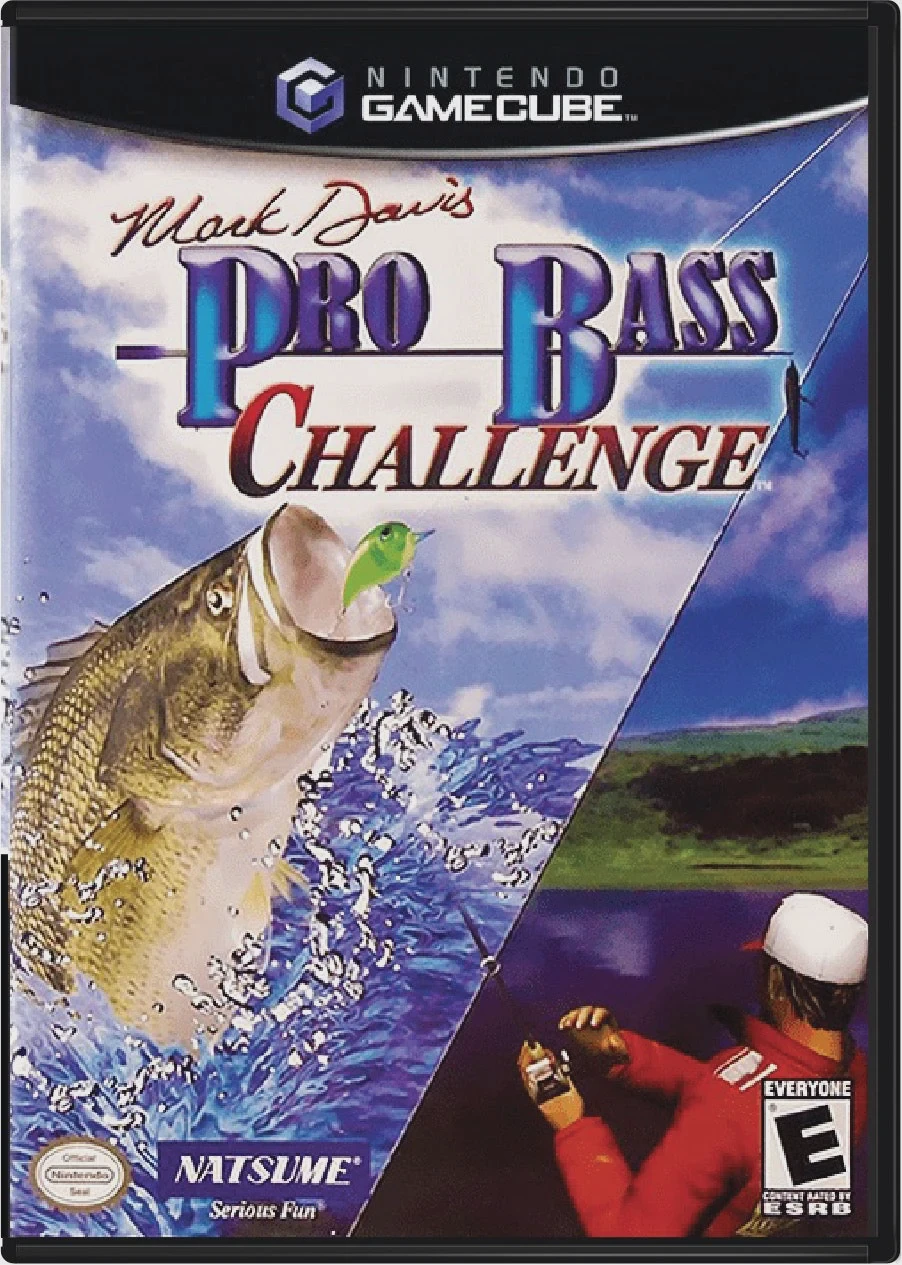
Mark Davis Pro Bass Chall...
Reel in trophy-sized largemouth bass and test your anglin...

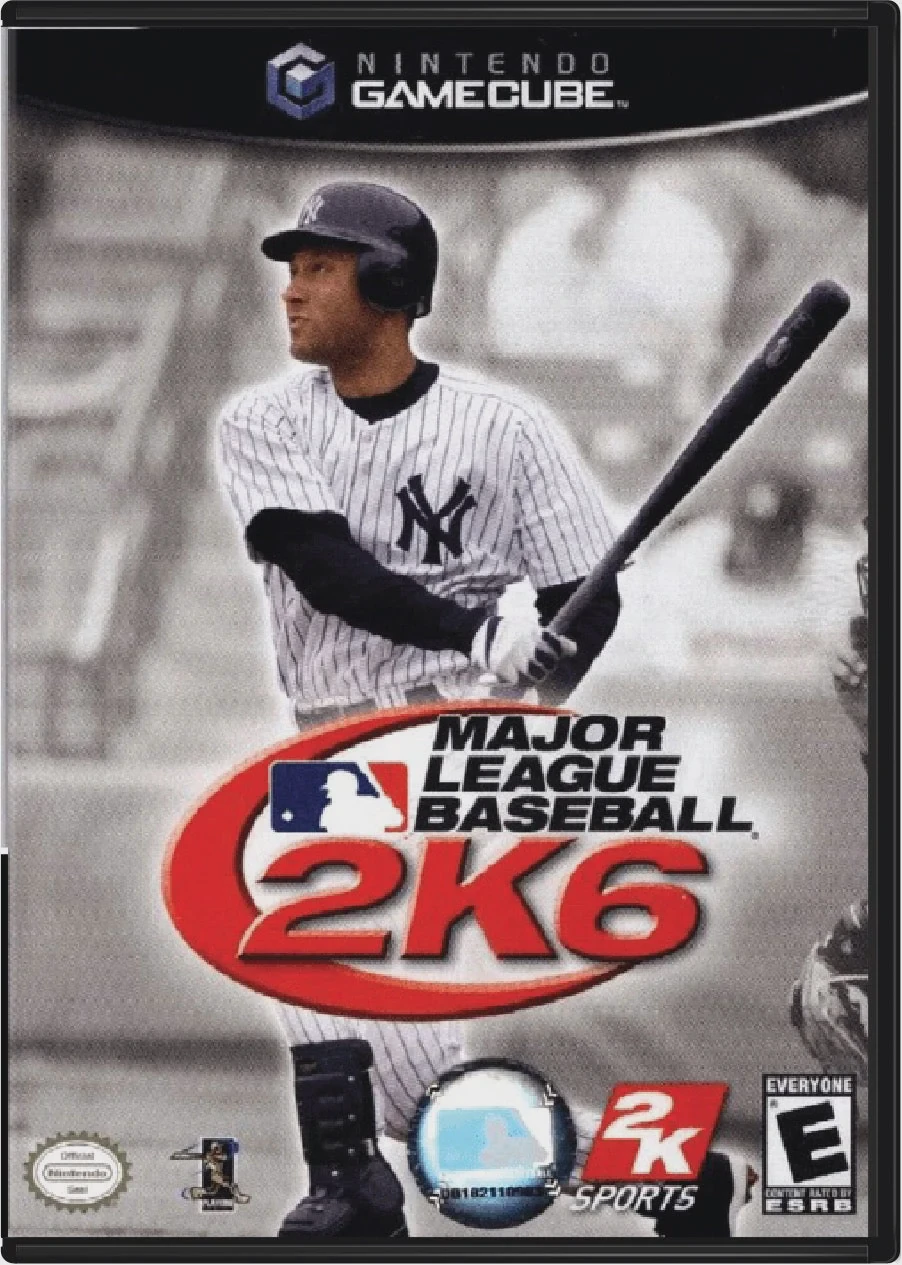
Major League Baseball 2K6 was developed by Kush Games and published by 2K Sports. Serving as the primary multi-platform licensed MLB simulation of its year, the title brought major gameplay refinements designed to give players granular control over every pitch, swing, and defensive play.
The core gameplay centers around the Pay-Off Pitching and Swing Feedback mechanics. Pitching utilizes a dual-analog gesture control scheme that determines pitch movement, break, and velocity based on timing and thumbstick precision. On offense, hitters manage contact vs. power swing mechanics while adjusting to pitch location in real time.
The game includes full franchise progression across 30 official MLB teams, complete with authentic stadiums, realistic player likenesses, real-time weather effects, minor league farm systems, and dynamic player development. Presentation is bolstered by a dynamic commentary team featuring Jon Miller and Joe Morgan, alongside official ESPN-style stat overlays and camera angles.
On the Nintendo GameCube, Major League Baseball 2K6 features fluid player animations, responsive analog throwing controls, customizable controller layouts, and 2-player head-to-head local exhibition and tournament play.
Field | Detail |
Full Title | Major League Baseball 2K6 |
Platform | Nintendo GameCube (NGC) |
Genre | Sports / Baseball Simulation |
Developer | Kush Games |
Publisher | 2K Sports |
Release Date | June 12, 2006 (North America) |
Region Formats | NTSC-U |
Game Modes | Single-Player, Local Multiplayer (1–2 Players) |
Display Options | 480i / 480p Progressive Scan Support |
Media Type | Nintendo GameCube Game Disc (1 Disc) |
Pay-Off Pitching System: Master a dynamic dual-analog pitching interface where release timing and thumbstick gestures determine pitch break, speed, and accuracy.
Inside Edge Integration: Utilize real-world scouting data to analyze batter and pitcher tendencies, heat maps, and pitch counts during games.
Deep Franchise Mode: Manage 30 MLB franchises across multiple seasons, overseeing minor league AAA/AA farm systems, player trades, contract negotiations, and team chemistry.
World Baseball Classic Mode: Play as international teams in the officially licensed World Baseball Classic tournament mode.
Authentic MLB Presentation: Features play-by-play and color commentary from legendary broadcasters Jon Miller and Joe Morgan, accompanied by realistic stadium renderings and crowd acoustics.
Yes! MLB 2K6 officially licensed the inaugural 2006 World Baseball Classic, allowing players to tournament-race with international national teams alongside standard MLB franchises.
Inside Edge was a specialized scouting service integrated into the game that provided real-life statistical tendencies for players—such as how a batter hits against left-handed curveballs or where a pitcher throws on 3-2 counts.
The game supports up to 2 players simultaneously in local head-to-head exhibition games, home run derbies, and custom tournaments using standard Nintendo GameCube controllers.
Yes, Major League Baseball 2K6 supports 480p progressive scan output on the Nintendo GameCube for clean, sharp, and detailed visual performance on compatible displays.
Click the links below to go to the cloud drive download page
⚠️ Download Tips:
Reel in trophy-sized largemouth bass and test your anglin...
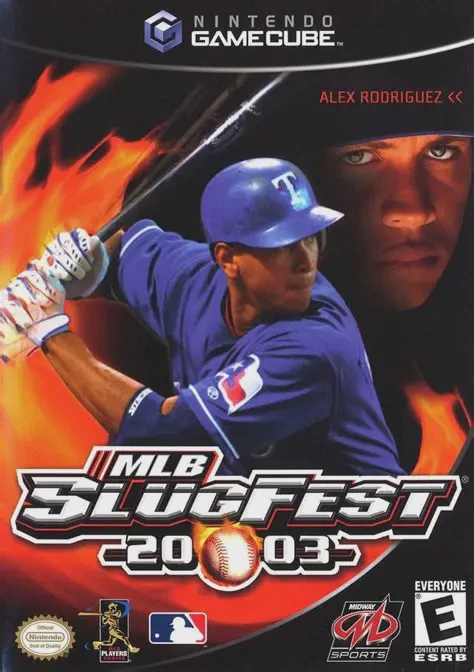
Tear up the rulebook and unleash extreme arcade mayhem on...
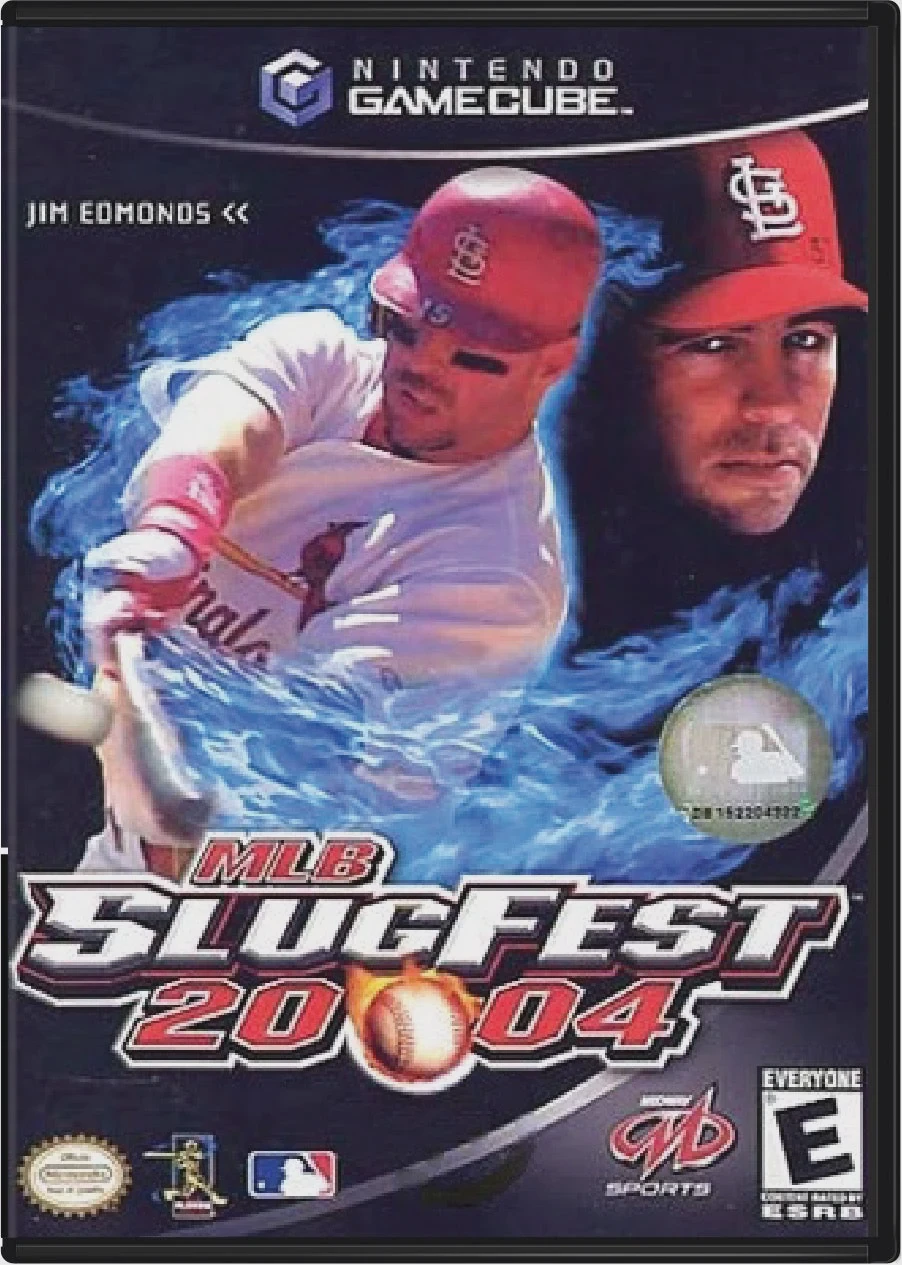
Step up to the plate and drop your gloves in MLB SlugFest...
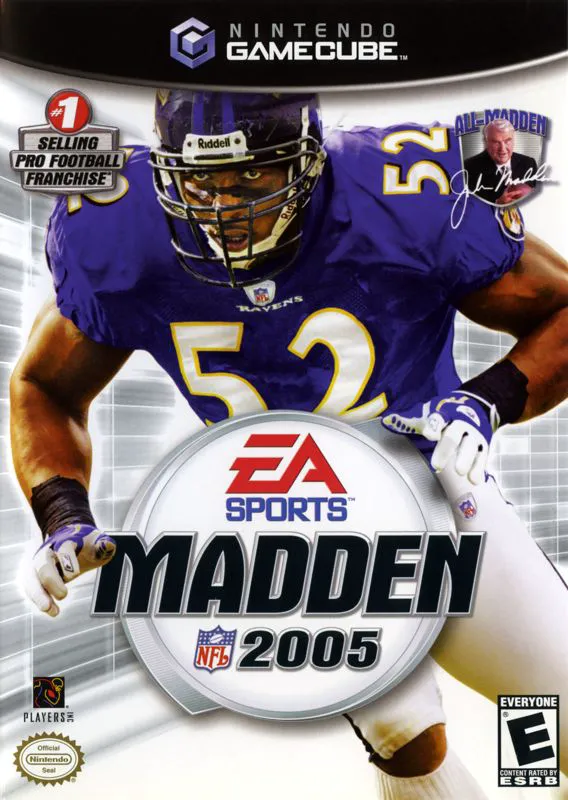
Bring heavy-hitting defensive dominance to the gridiron i...
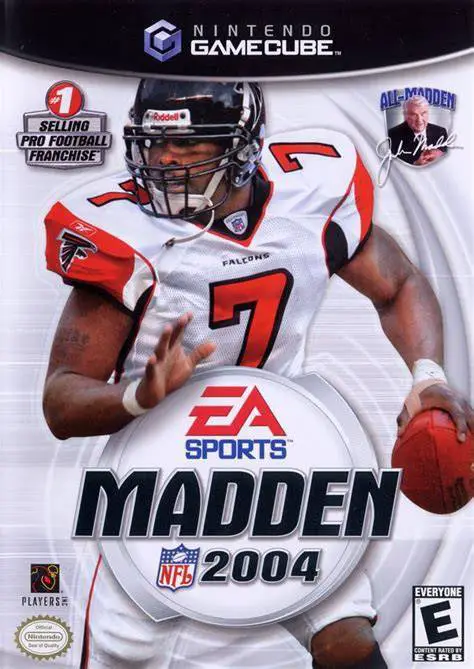
Experience one of the most celebrated entries in sports v...