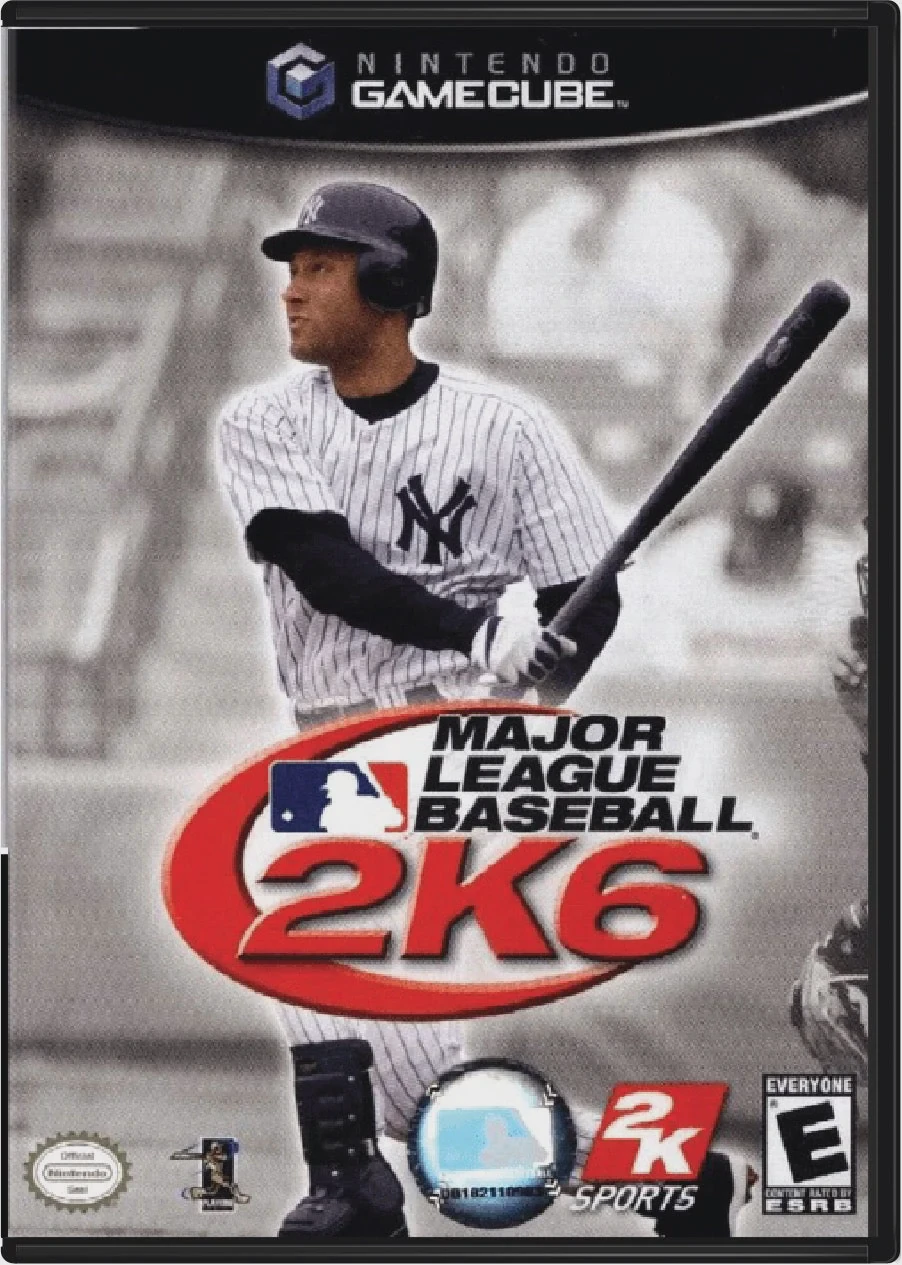
Major League Baseball 2K6
Step up to the plate and experience authentic professiona...

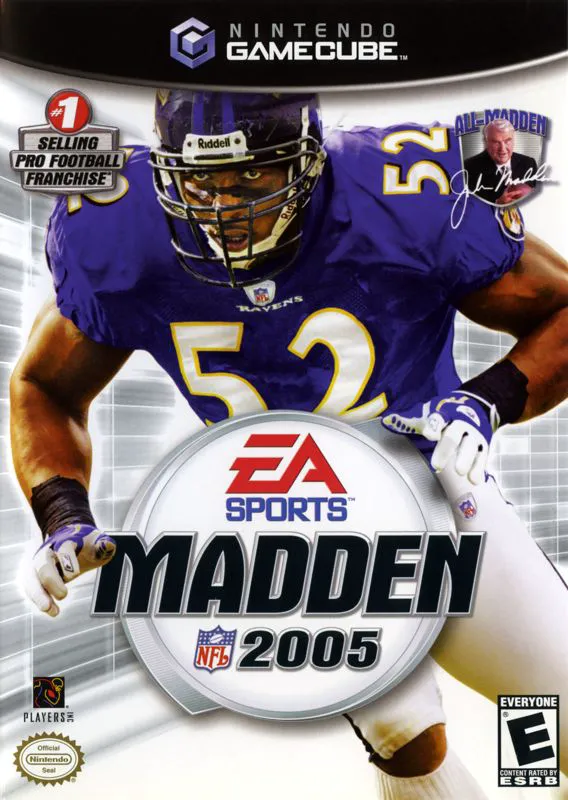
Madden NFL 2005 was developed by EA Tiburon and published under the EA Sports label. Released during the height of the sixth-generation sports gaming era, this entry countered offense-heavy predecessors by arming players with an array of defensive tools designed to disrupt passing lanes, force momentum-shifting fumbles, and dictate terms on the field.
The centerpiece gameplay mechanic is the Hit Stick, which allows players to flick the right analog stick to deliver high-impact tackles, knock loose balls, and trigger crowd reaction meters. Complementing the Hit Stick is the Defensive Playmaker system, which enables instant pre-snap adjustments for individual linebackers and secondary coverage schemes.
On the single-player front, Franchise Mode received massive depth updates centered around team chemistry and player morale. Players manage roster expectations while keeping up with league news through Storyline Central, an in-game media hub featuring newspaper headlines, assistant coach emails, and national sports commentary hosted by radio personality Tony Bruno.
On the Nintendo GameCube, Madden NFL 2005 delivers responsive analog controls, 60fps gameplay, 16:9 widescreen output support, and local 4-player couch multiplayer action.
Field | Detail |
Full Title | Madden NFL 2005 |
Platform | Nintendo GameCube (NGC) |
Genre | Sports / American Football |
Developer | EA Tiburon |
Publisher | Electronic Arts (EA Sports) |
Release Date | August 9, 2004 (North America) / September 17, 2004 (Europe) |
Region Formats | NTSC-U / PAL |
Game Modes | Single-Player, Local Multiplayer (1–4 Players) |
Display Options | 480i / 480p Progressive Scan / 16:9 Widescreen Support |
Media Type | Nintendo GameCube Game Disc (1 Disc) |
The Hit Stick Mechanic: Flick the right analog stick to deliver bone-crunching tackles, cause key fumbles, and swing game momentum.
Defensive Playmaker Control: Adjust individual defender assignments on the fly prior to the snap, including hot-route blitzes, double teams, and zone shifts.
Storyline Central & Franchise Depth: Monitor team morale, player egos, and league-wide news through radio broadcasts by Tony Bruno, local news clippings, and coach emails.
Create-A-Fan & Stadium Customization: Design custom team fans, crowd signs, and personalized stadium noise options.
4-Player Local Multiplayer: Compete in head-to-head, co-op season, or tournament matches with up to four local players.
Flicking the C-Stick (right analog stick) toward an ball-carrier executes a Hit Stick tackle. Timing a big hit correctly increases the chance of forcing a fumble and boosting team momentum, while mis-timing can result in missed tackles and big plays for the offense.
Storyline Central is an in-game media feed in Franchise Mode that delivers weekly sports updates. It features the Tony Bruno Radio Show, newspaper reports, and email notifications detailing player holdouts, trade rumors, injury reports, and team morale changes.
No, online play was exclusive to the PlayStation 2 and Xbox releases. The GameCube version focuses strictly on offline single-player and local 4-player multiplayer modes.
Yes, Madden NFL 2005 supports both 480p progressive scan and native 16:9 widescreen display settings on the Nintendo GameCube for sharp rendering on compatible displays.
Click the links below to go to the cloud drive download page
⚠️ Download Tips:
Step up to the plate and experience authentic professiona...
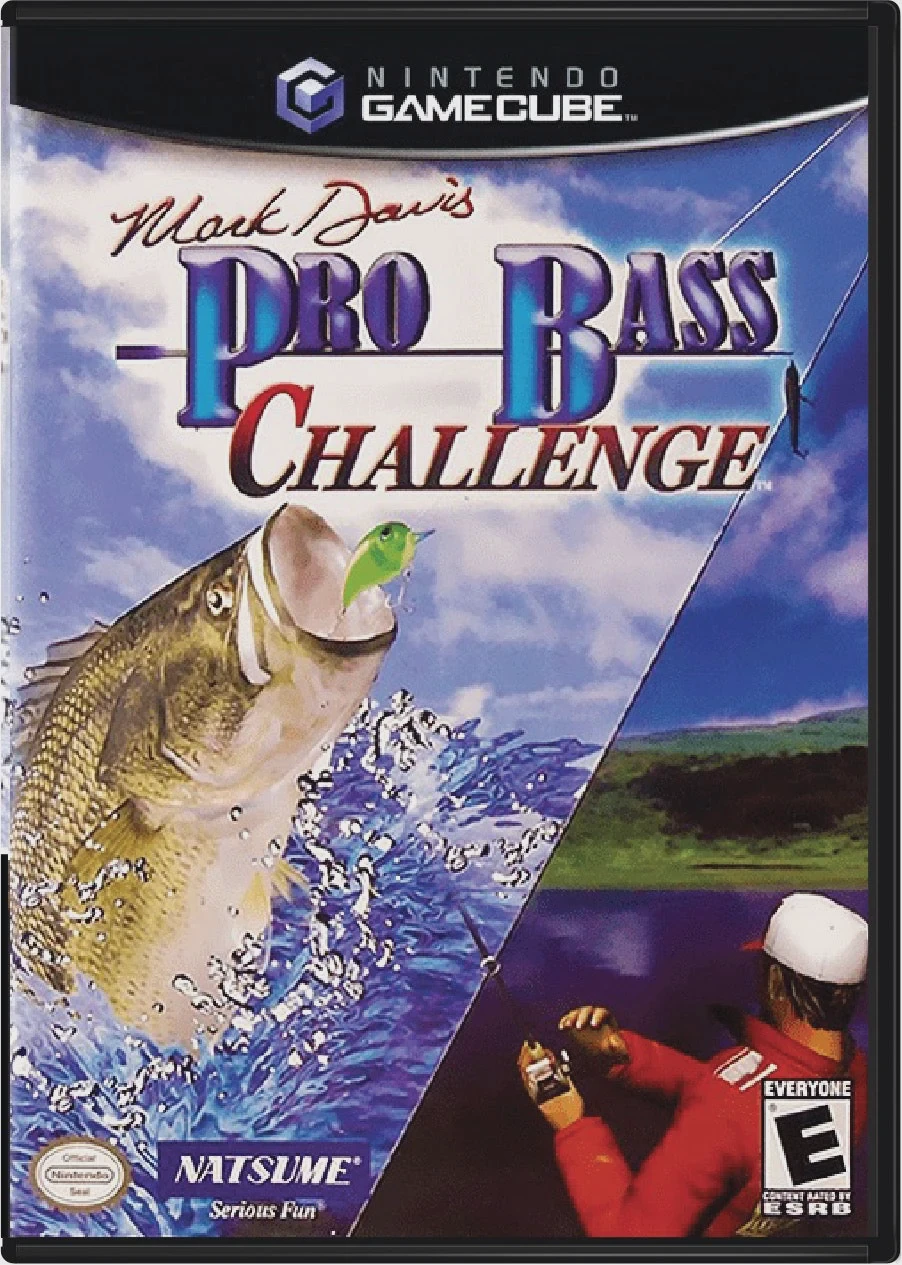
Reel in trophy-sized largemouth bass and test your anglin...
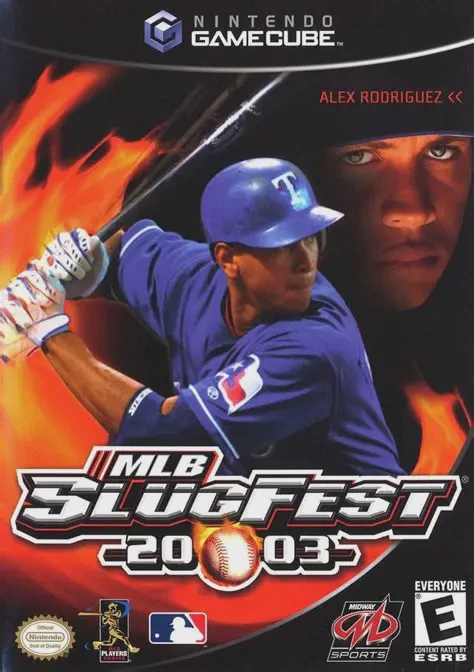
Tear up the rulebook and unleash extreme arcade mayhem on...
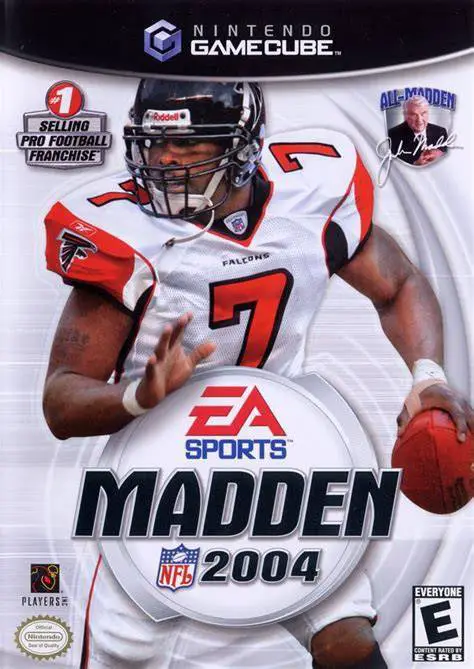
Experience one of the most celebrated entries in sports v...
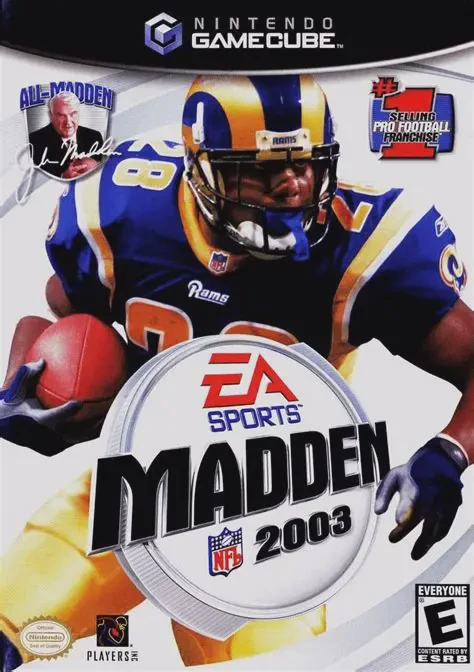
Take the field for another high-caliber football season i...