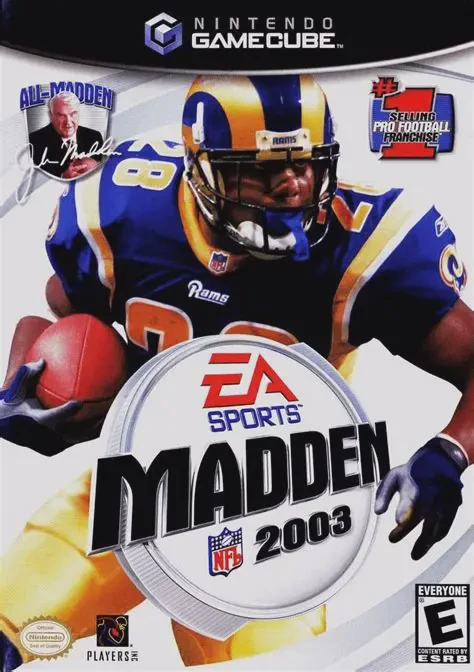
Madden NFL 2003
Take the field for another high-caliber football season i...

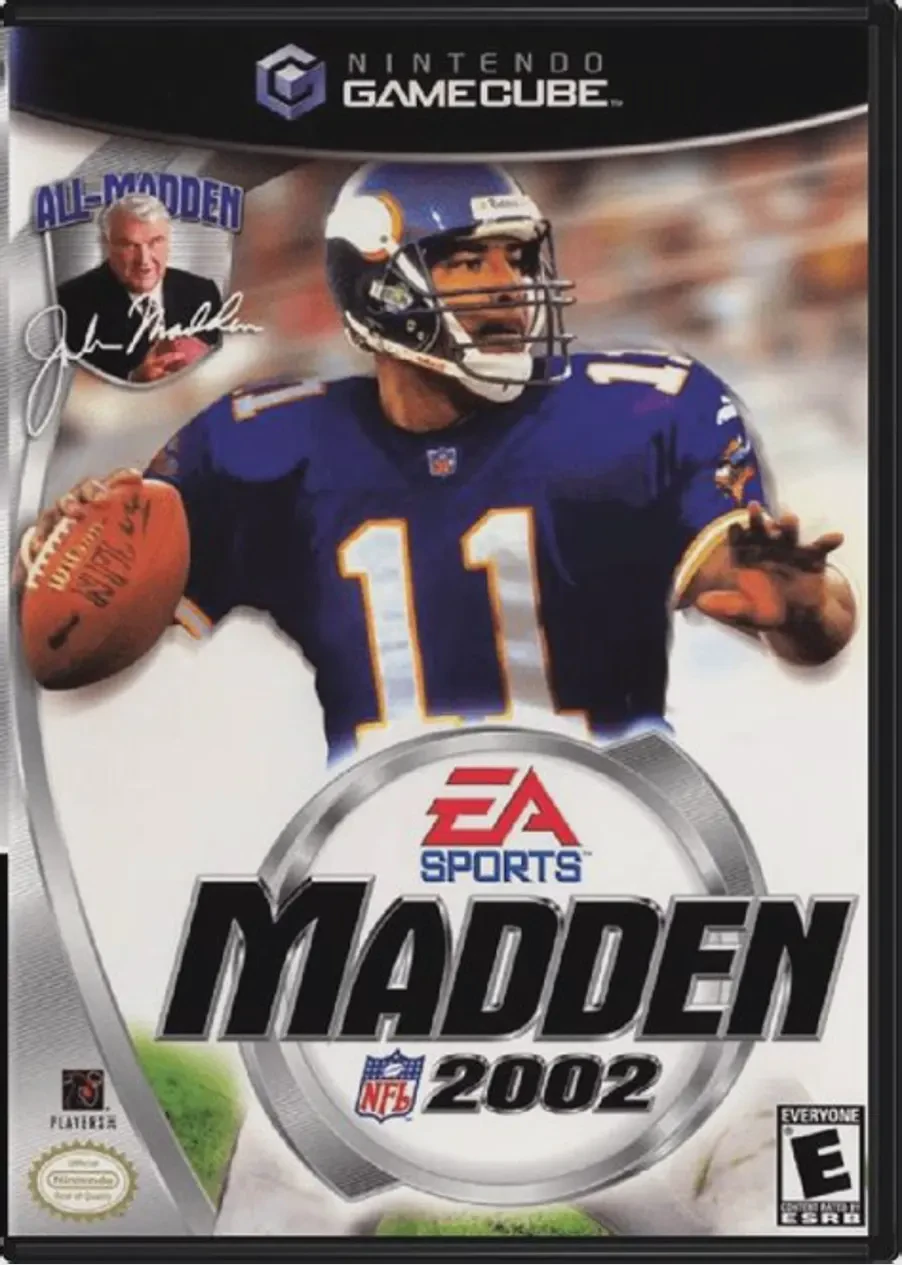
Madden NFL 2002 was developed by EA Tiburon and published under the EA Sports label. Serving as a launch window title for the Nintendo GameCube, the game showcased the console's graphical leap with detailed player models, animated sidelines, metallic helmet shines, and authentic stadium weather conditions.
Gameplay builds on traditional 11-v-11 sim football mechanics, offering deep playbook management, custom formation adjustments, and audible calling on both sides of the ball. Madden NFL 2002 featured the debut of the Houston Texans expansion franchise prior to their official 2002 NFL season premiere, allowing players to build the new expansion team from scratch.
Single-player progression revolves around the multi-season Franchise Mode, where players manage salaries, draft rookies, trade players, and compete for the Vince Lombardi Trophy. The popular Madden Cards system also returns, enabling players to earn points through performance-based achievements to unlock historic teams, special stadium venues, and secret gameplay cheats.
On the Nintendo GameCube, Madden NFL 2002 features smooth 60fps gameplay, fast load times, precise analog stick running control, and full 4-player local couch multiplayer.
Field | Detail |
Full Title | Madden NFL 2002 |
Platform | Nintendo GameCube (NGC) |
Genre | Sports / American Football |
Developer | EA Tiburon |
Publisher | Electronic Arts (EA Sports) |
Release Date | November 18, 2001 (North America) / May 3, 2002 (Europe) |
Region Formats | NTSC-U / PAL |
Game Modes | Single-Player, Local Multiplayer (1–4 Players) |
Display Options | 480i / 480p Progressive Scan Support |
Media Type | Nintendo GameCube Game Disc (1 Disc) |
GameCube Launch Window Title: Showcased the hardware capability with 60fps action, real-time lighting, animated sidelines, and detailed player uniforms.
Houston Texans Expansion Inclusion: Features the debut of the Houston Texans prior to their official 2002 inaugural season, complete with custom expansion draft options.
Madden Cards Collectibles: Complete in-game achievements to unlock Madden Cards, granting access to historic teams, secret stadiums, and power-up cheats.
Comprehensive Franchise Mode: Manage up to 30 seasons of team operations, including salary caps, rookie scouting, free-agent signing, and player trades.
4-Player Local Multiplayer: Play head-to-head, in co-op team modes, or create custom tournaments with up to four local players.
Yes, Madden NFL 2002 was available at launch for the Nintendo GameCube in North America on November 18, 2001.
Yes! Madden NFL 2002 included the Houston Texans as an expansion team ahead of their real-life debut in the 2002 season, allowing players to build the roster from the ground up.
The game supports up to 4 players concurrently in local head-to-head or co-op gameplay using four standard Nintendo GameCube controllers.
Yes, Madden NFL 2002 supports 480p progressive scan output on the Nintendo GameCube for clean and sharp picture performance on compatible displays.
Click the links below to go to the cloud drive download page
⚠️ Download Tips:
Take the field for another high-caliber football season i...
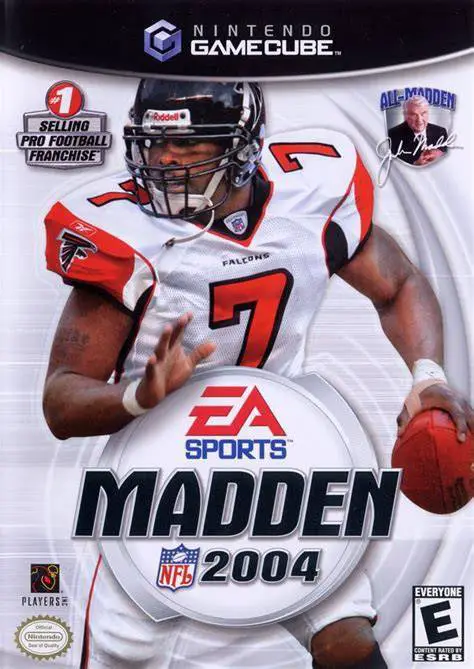
Experience one of the most celebrated entries in sports v...
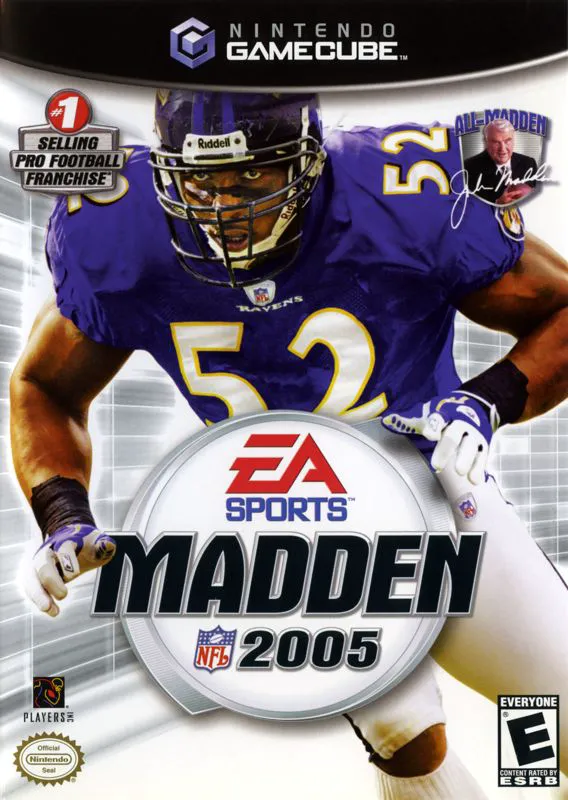
Bring heavy-hitting defensive dominance to the gridiron i...
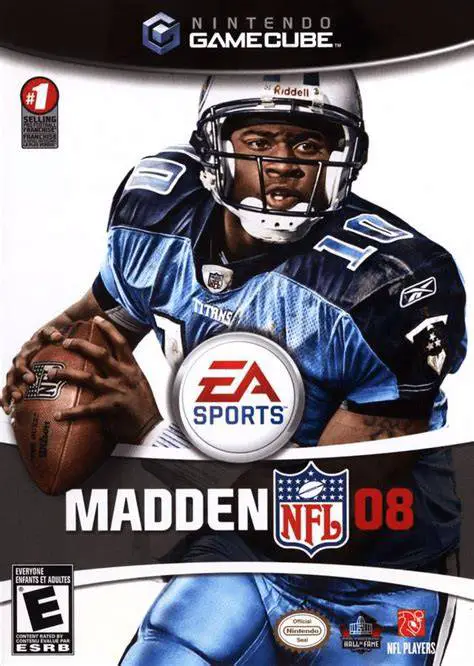
Take total control of your franchise and weaponize your s...
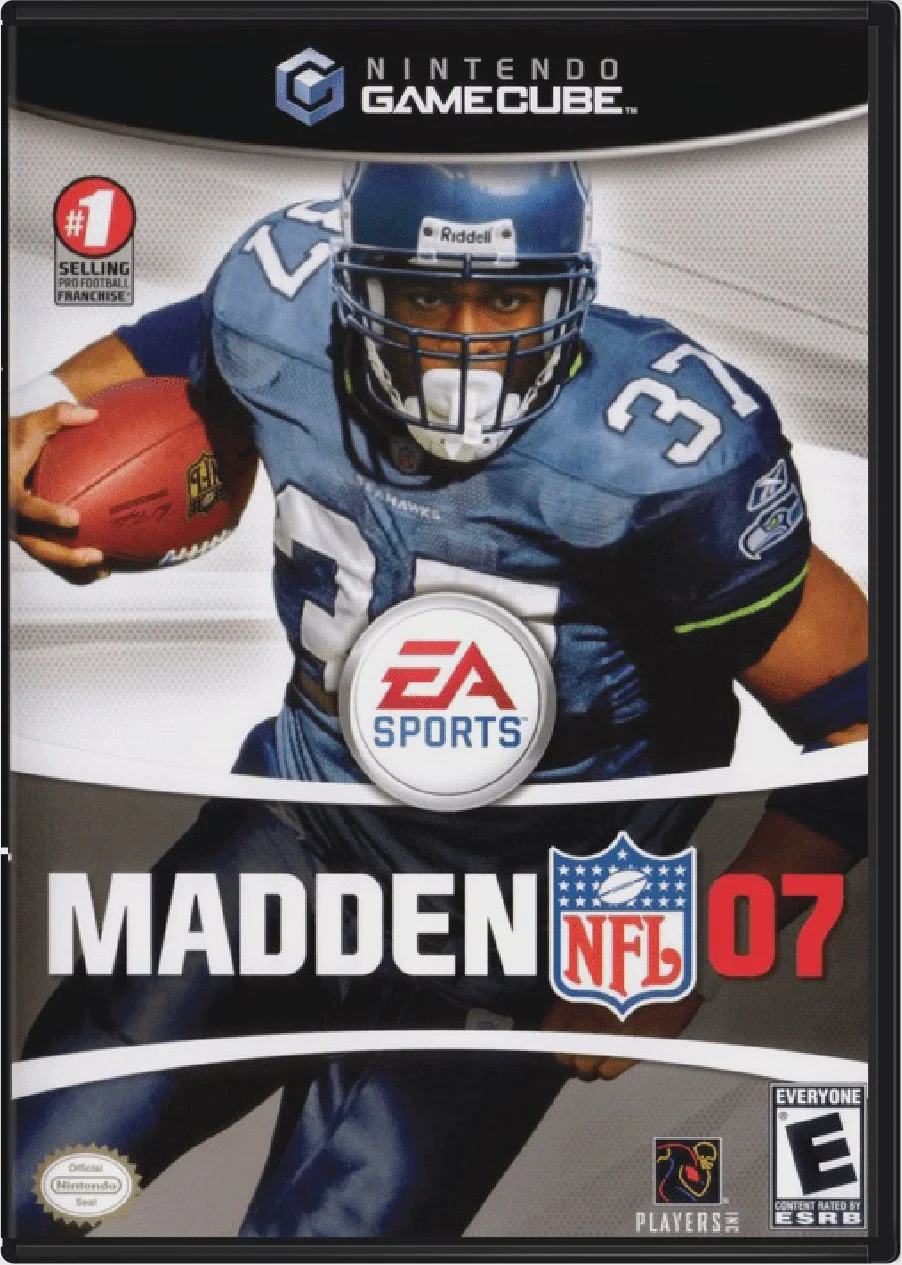
Lead your team to gridiron glory with Madden NFL 07, EA T...