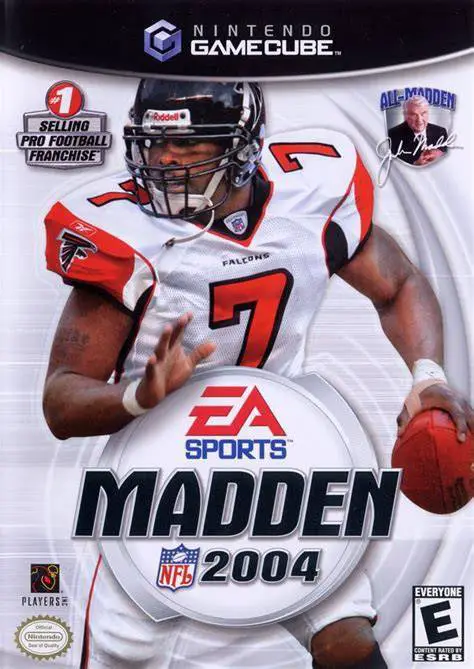
Madden NFL 2004
Experience one of the most celebrated entries in sports v...

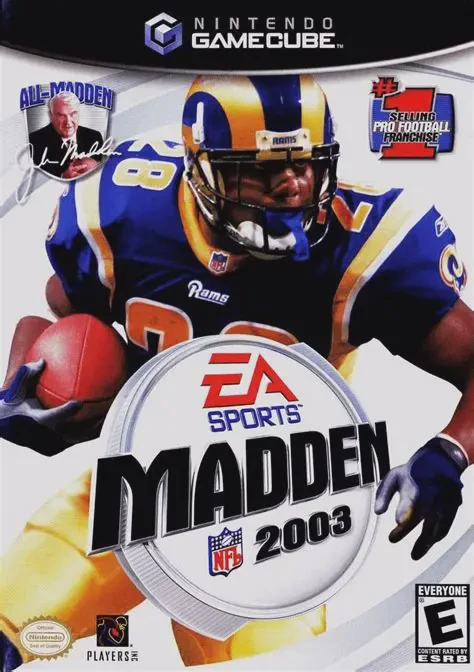
Madden NFL 2003 was developed by EA Tiburon and published under the EA Sports label. Serving as a critical foundation for the sixth-generation era of gridiron simulations, this installment refined offensive flow, accelerated overall game speed, and added a host of new training and single-player modes.
The signature feature introduced in Madden NFL 2003 is Mini-Camp Mode. Guided by John Madden, players travel across real NFL team facilities to complete skill-based drills—such as accuracy passing, coffin-corner punting, pocket passing, and tackling drills—to earn Madden Tokens and unlock special rewards. The game also marked the debut of the EA Trax audio initiative, replacing generic arcade-style midi loops with licensed pop, hip-hop, and rock tracks.
In the booth, Al Michaels made his series debut alongside John Madden, bringing authentic Monday Night Football broadcast commentary to every drive. On the gridiron, players benefit from independent defensive line audibles, refined passing trajectories, smoother tackling animations, and a rich Madden Cards system to unlock classic retro teams and gameplay cheats.
On the Nintendo GameCube, Madden NFL 2003 features sharp 60fps performance, full analog controller responsiveness, GBA-NGC link cable connectivity for external scoreboard displays, and 4-player local multiplayer competition.
Field | Detail |
Full Title | Madden NFL 2003 |
Platform | Nintendo GameCube (NGC) |
Genre | Sports / American Football |
Developer | EA Tiburon |
Publisher | Electronic Arts (EA Sports) |
Release Date | August 12, 2002 (North America) / October 11, 2002 (Europe) |
Region Formats | NTSC-U / PAL |
Game Modes | Single-Player, Local Multiplayer (1–4 Players) |
Display Options | 480i / 480p Progressive Scan Support |
Media Type | Nintendo GameCube Game Disc (1 Disc) |
Debut of Mini-Camp Mode: Travel across authentic NFL practice facilities to complete skill drills and earn Madden Tokens for unlocks.
EA Trax Music Soundtrack: First entry in the series to feature a full licensed audio soundtrack, featuring artists like Andrew W.K., Seether, and Good Charlotte.
Al Michaels & John Madden Commentary: Features authentic play-by-play commentary from veteran announcer Al Michaels alongside John Madden.
Madden Cards & Unlocks: Earn tokens to buy Madden Cards that grant cheat boosts, unlock historic teams, and open secret stadiums.
Create-A-Playbook & Create-A-Team: Deep customization suite allowing players to design custom plays, team logos, uniforms, and rosters.
Game Boy Advance Connectivity: Connect a GBA via the GBA-NGC link cable to transform the handheld into a secondary real-time scoreboard.
Madden NFL 2003 introduced Mini-Camp Mode, added Al Michaels to the broadcast commentary booth, debuted the licensed EA Trax audio soundtrack, and refined defensive line audibles and pass animation physics.
Connecting a Game Boy Advance using the link cable allows the GBA handheld screen to act as an external secondary scoreboard display, tracking real-time match stats, score updates, and drive progress during games.
The game supports up to 4 players simultaneously in local head-to-head, co-op, or tournament modes using standard Nintendo GameCube controllers.
Yes, Madden NFL 2003 supports 480p progressive scan output on the Nintendo GameCube for clean and sharp picture performance on compatible displays.
Click the links below to go to the cloud drive download page
⚠️ Download Tips:
Experience one of the most celebrated entries in sports v...
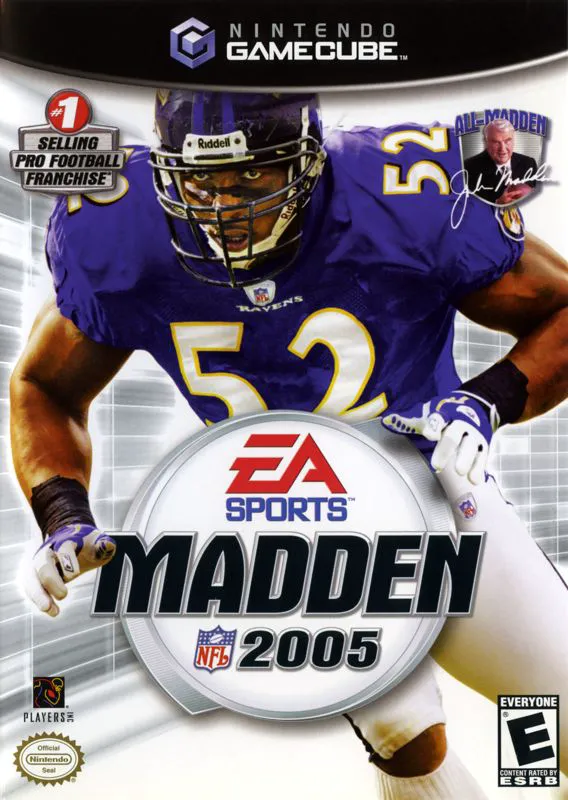
Bring heavy-hitting defensive dominance to the gridiron i...
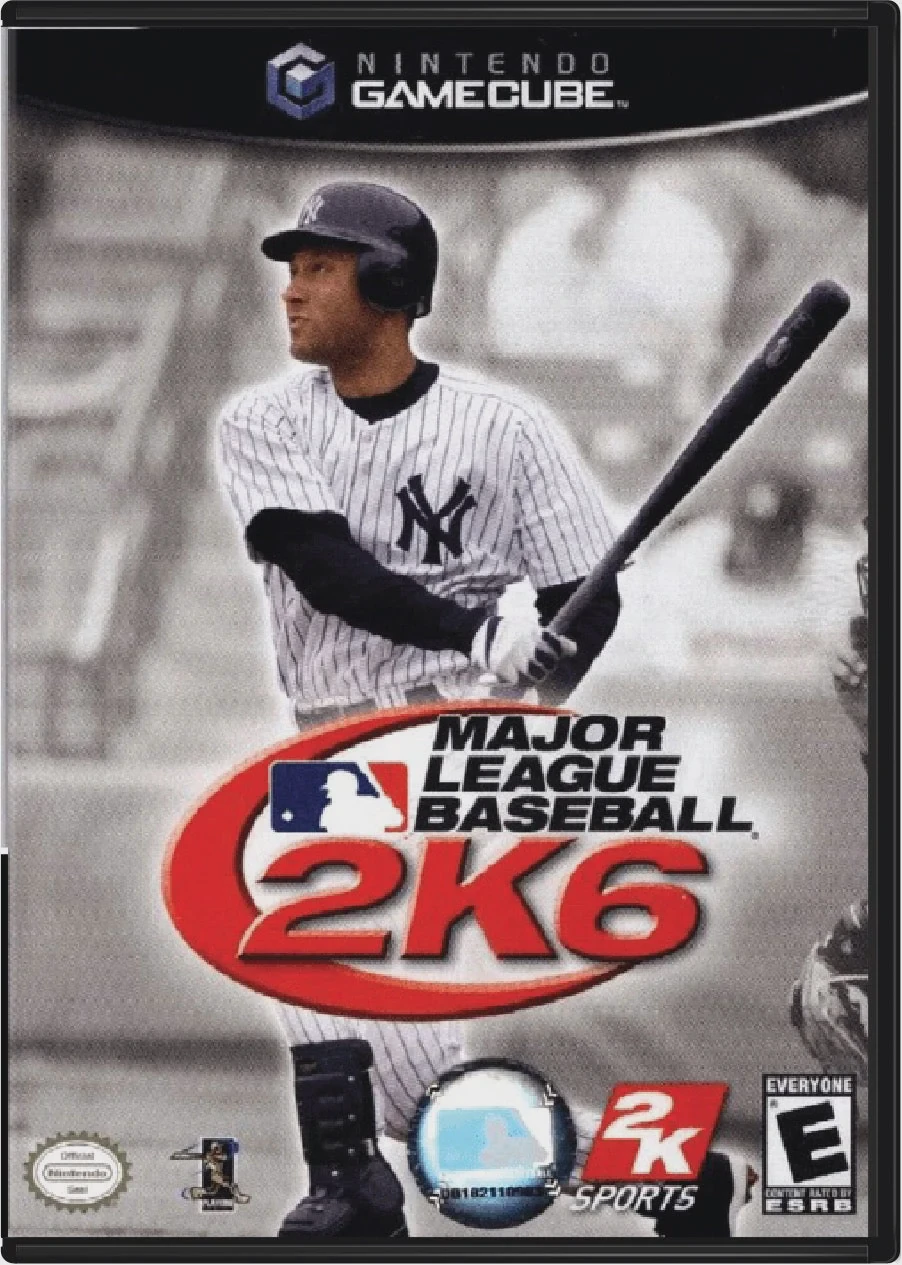
Step up to the plate and experience authentic professiona...
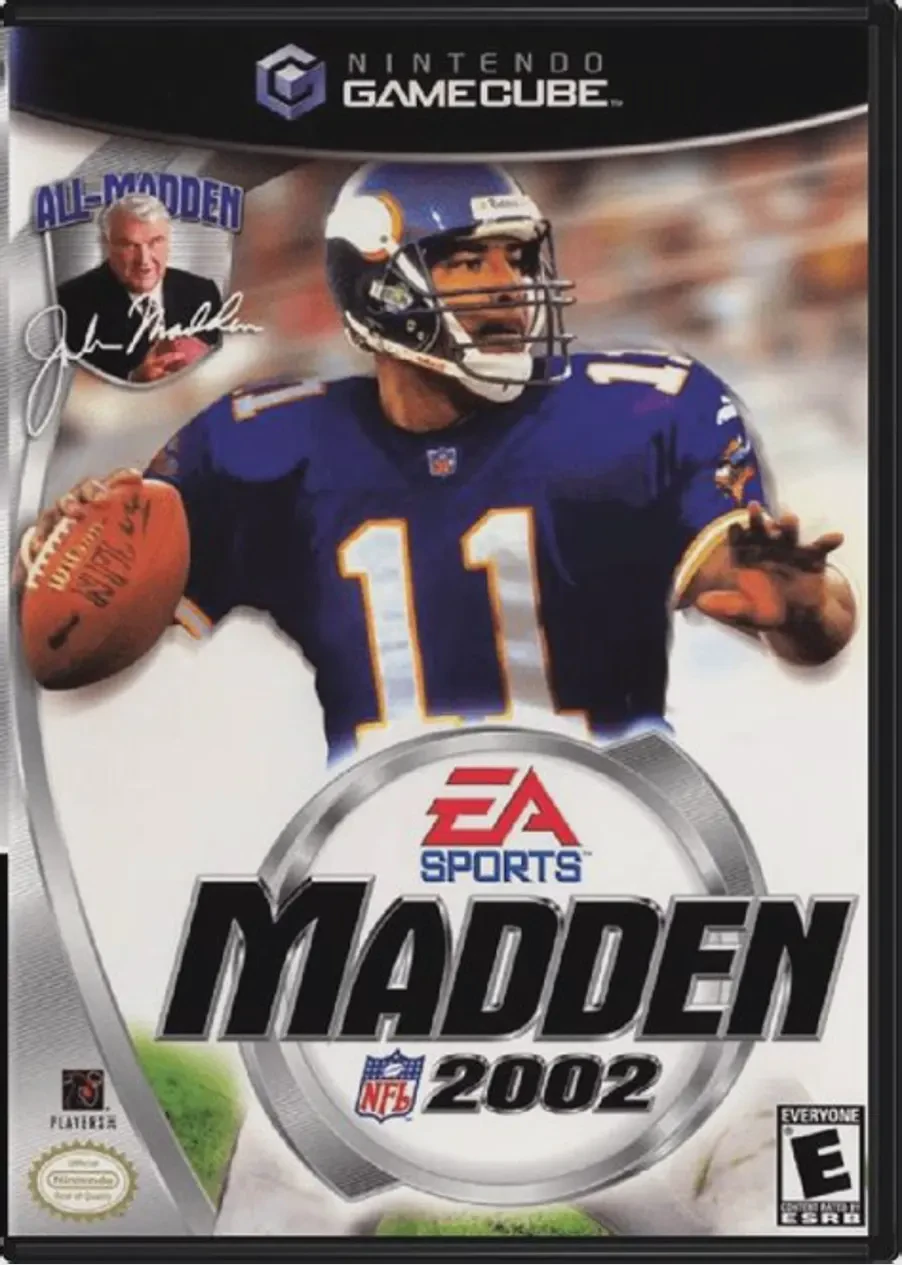
Kick off the 128-bit era of simulation football in Madden...
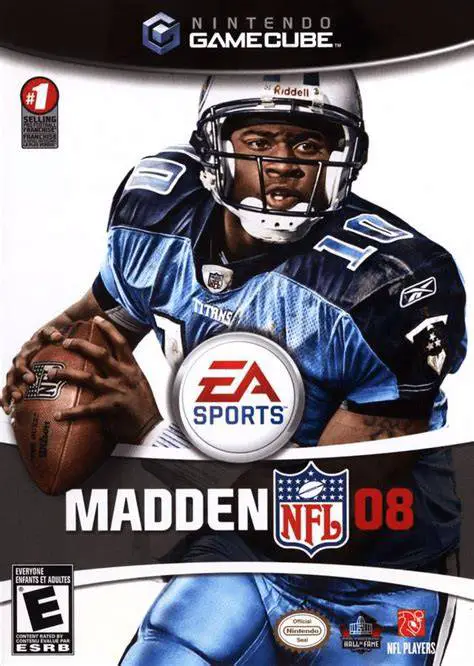
Take total control of your franchise and weaponize your s...