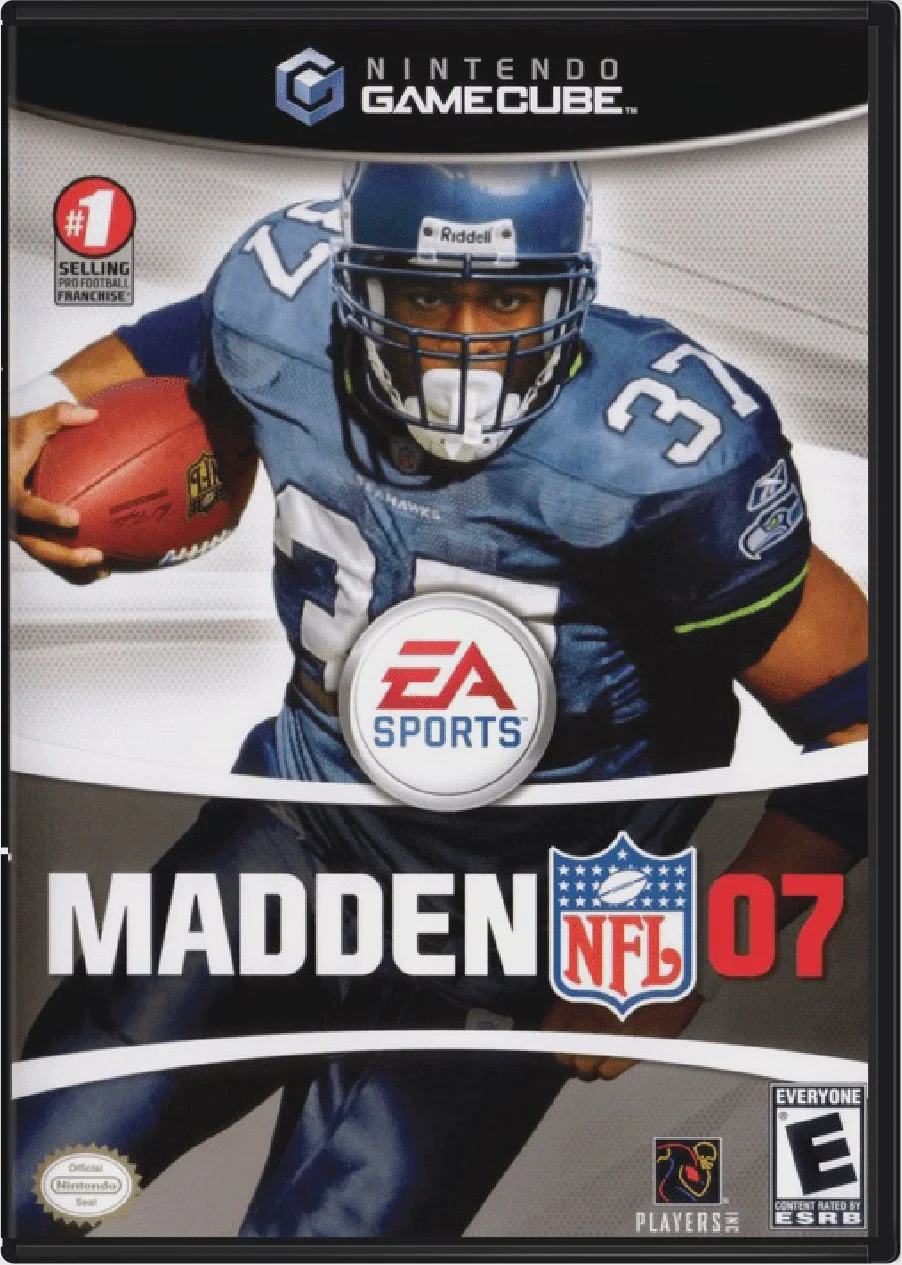
Madden NFL 07
Lead your team to gridiron glory with Madden NFL 07, EA T...

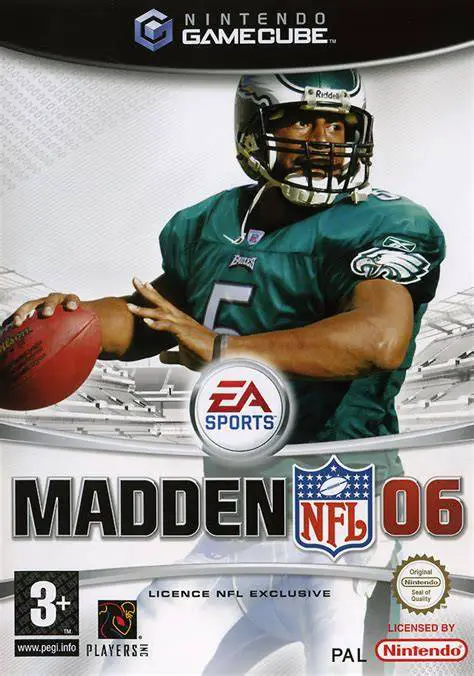
Madden NFL 06 was developed by EA Tiburon and published under the EA Sports label. Released as one of the hallmark entries of the sixth console generation, this installment focused on granting players granular control over quarterback distribution and career depth.
The centerpiece gameplay mechanic is the QB Vision Cone and Precision Passing framework. The QB Vision Cone forces players to scan the field and align their quarterback's field of view with intended receivers for maximum throw accuracy, while analog stick adjustments allow quarterbacks to lead receivers away from coverage, place balls high for jump catches, or drop them low to avoid incoming secondary hits.
In single-player, Madden NFL 06 introduced the inaugural NFL Superstar Mode. Players guide a created prospect from genetic lineage selection and combine IQ tests through NFL draft day, contract negotiations, practices, endorsements, and eventual Hall of Fame induction.
On the Nintendo GameCube, Madden NFL 06 features fluid 60fps presentation, responsive C-Stick controls, native 16:9 widescreen output support, and local 4-player couch competitive and cooperative modes.
Field | Detail |
Full Title | Madden NFL 06 |
Platform | Nintendo GameCube (NGC) |
Genre | Sports / American Football |
Developer | EA Tiburon |
Publisher | Electronic Arts (EA Sports) |
Release Date | August 8, 2005 (North America) / September 16, 2005 (Europe) |
Region Formats | NTSC-U / PAL |
Game Modes | Single-Player, Local Multiplayer (1–4 Players) |
Display Options | 480i / 480p Progressive Scan / 16:9 Widescreen Support |
Media Type | Nintendo GameCube Game Disc (1 Disc) |
QB Vision Cone & Precision Passing: Target specific receivers within the quarterback's line of sight and use analog stick nudges to place balls precisely relative to defender coverage.
Debut of NFL Superstar Mode: Create and navigate an entire NFL athlete's persona and career, managing parent genes, interviews, combine drills, line assignments, and agent relations.
Truck Stick Mechanics: Use the right analog stick on offense to plow through weak tackles and drag defenders for extra yards.
Expanded Franchise Mode: Oversee roster chemistry, scout upcoming draft classes, negotiate player contracts, and monitor dynamic league radio broadcasts.
4-Player Local Multiplayer: Compete in local head-to-head, co-op season, or custom tournament modes with up to four local players.
The QB Vision Cone projects a highlighted field of view across the field representing where the quarterback is looking. Passing to a receiver within the cone results in maximum throw accuracy and power, whereas throwing outside the cone leads to inaccurate passes or interceptions.
NFL Superstar Mode is an individual career mode where you create a single player, take written IQ tests, participate in combine workouts, hire agents, navigate off-field media, and control exclusively that player on the field across their entire professional career.
The game supports up to 4 players concurrently in local head-to-head or cooperative matches using standard Nintendo GameCube controllers.
Yes, Madden NFL 06 supports both 480p progressive scan output and native 16:9 widescreen display settings on the Nintendo GameCube for sharp rendering on compatible displays.
Click the links below to go to the cloud drive download page
⚠️ Download Tips:
Lead your team to gridiron glory with Madden NFL 07, EA T...
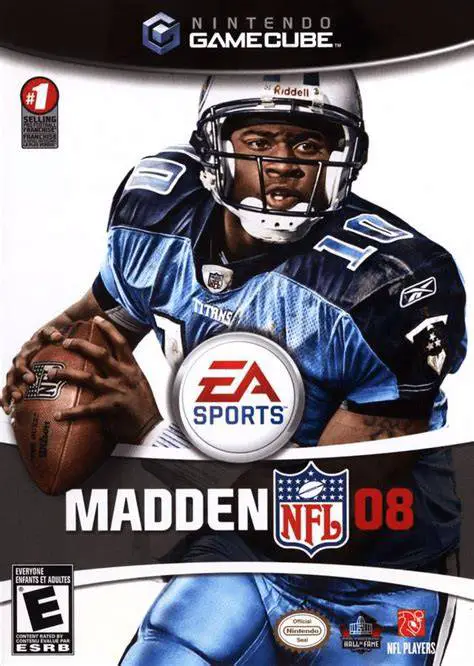
Take total control of your franchise and weaponize your s...
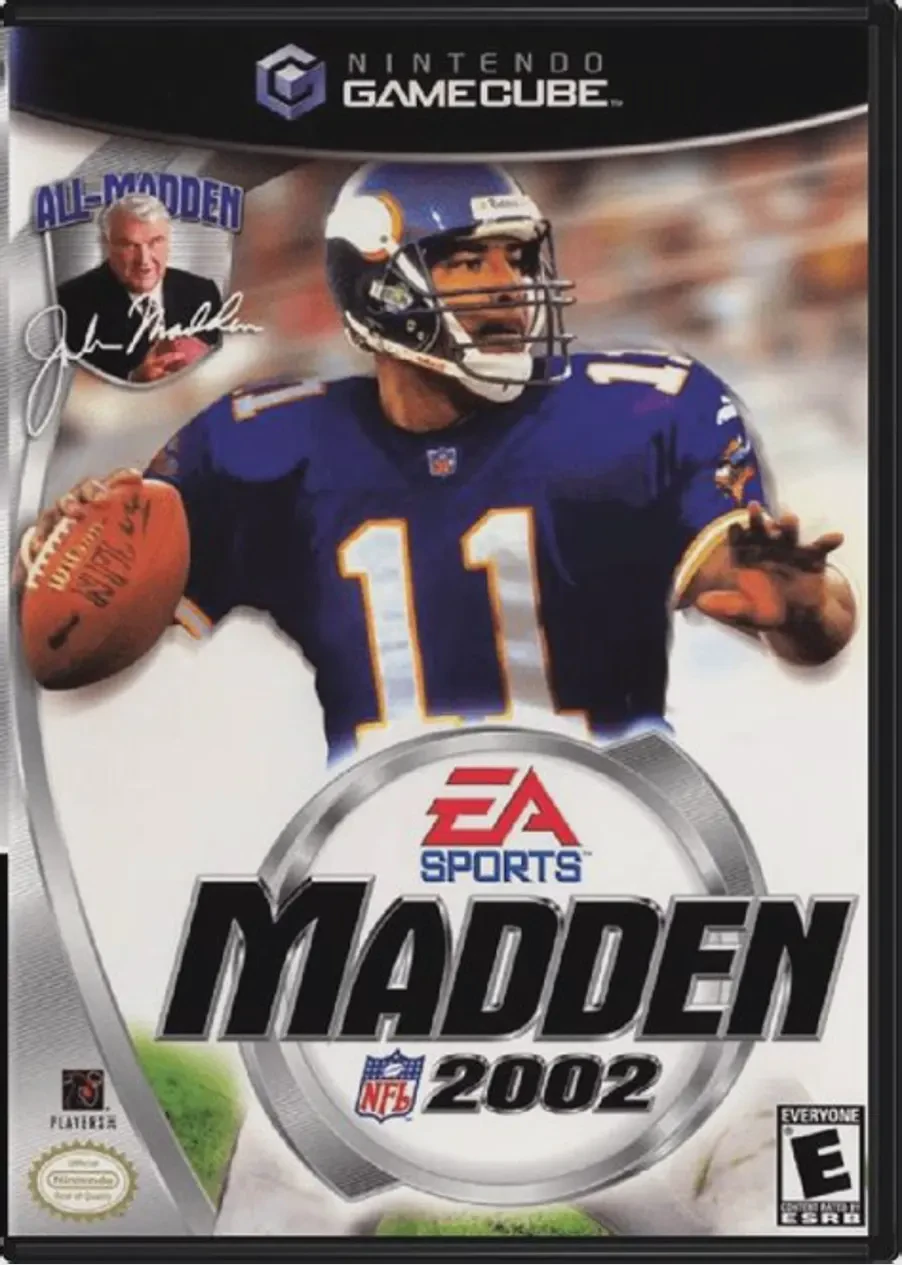
Kick off the 128-bit era of simulation football in Madden...
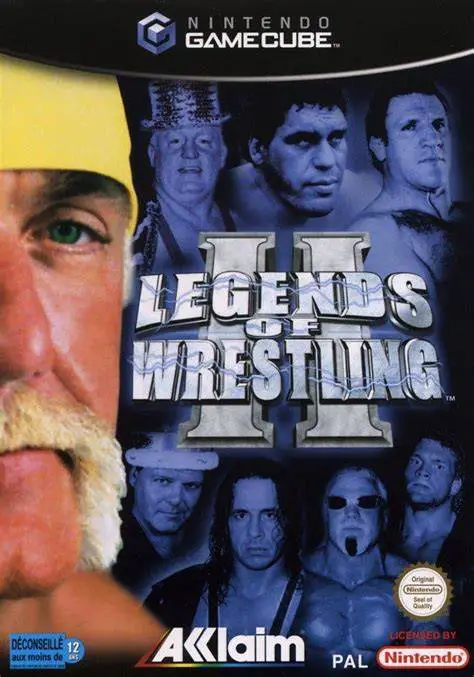
Step into the squared circle with the greatest icons in p...
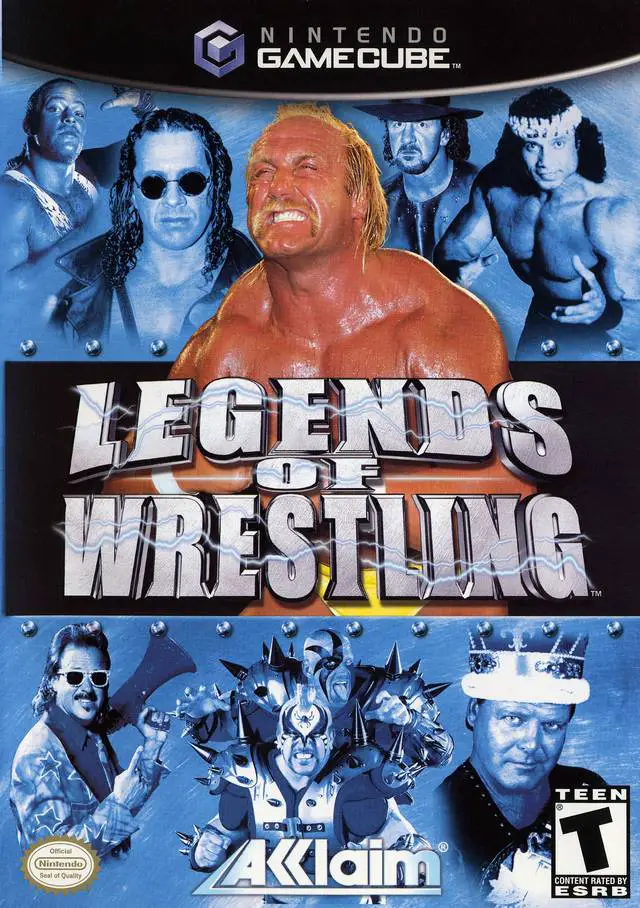
Step back in time to the golden era of professional wrest...