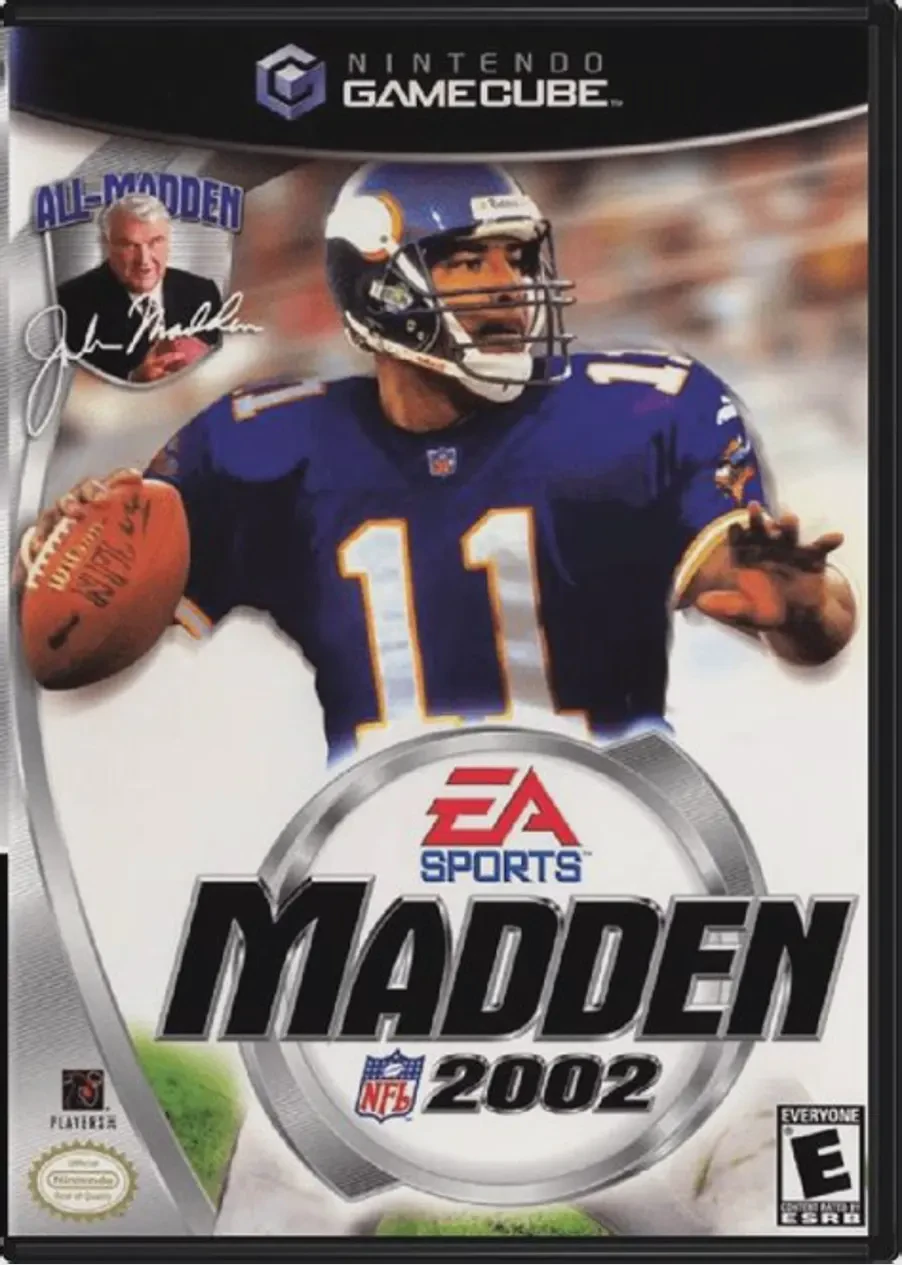
Madden NFL 2002
Kick off the 128-bit era of simulation football in Madden...

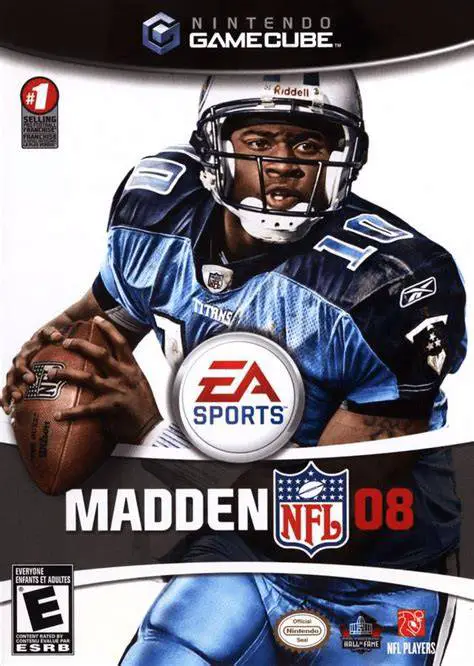
Madden NFL 08 was developed by EA Tiburon and published under the EA Sports banner. Serving as the final release of the Madden NFL franchise on the Nintendo GameCube, this entry refined sixth-generation football physics while incorporating high-level strategic mechanics that catered to both casual fans and hardcore tacticians.
The game's flagship innovation is the Weapons System, which highlights elite real-world player attributes across twenty distinct skill categories—such as Smart QB, Power Back, Brick Wall Defender, and Shutdown Corner. Players can leverage these specialized abilities to exploit mismatches on the field. Complementing this is the Read and React System, allowing pre-snap evaluation to identify opponent skill icons and adjust plays accordingly.
Off the field, Madden NFL 08 features a comprehensive Franchise Mode complete with player morale tracking, dynamic chemistry ratings, and the Superstar Hall of Fame Mode, where players guide a created athlete from rookie training camps to legendary career status.
On the Nintendo GameCube, Madden NFL 08 delivers smooth 60fps presentation, responsive control schemes, customizable playbooks, and local 4-player couch competitive and cooperative modes.
Field | Detail |
Full Title | Madden NFL 08 |
Platform | Nintendo GameCube (NGC) |
Genre | Sports / American Football |
Developer | EA Tiburon |
Publisher | Electronic Arts (EA Sports) |
Release Date | August 14, 2007 (North America) |
Region Formats | NTSC-U |
Game Modes | Single-Player, Local Multiplayer (1–4 Players) |
Display Options | 480i / 480p Progressive Scan Support |
Media Type | Nintendo GameCube Game Disc (1 Disc) |
Weapons System: Identify and deploy top-tier athletes featuring 20 unique Weapon roles, including Spectacular Catch Receivers, Hit Stick Linebackers, and Precision Passers.
Read and React Mechanics: Quickly spot opponent Weapon icons pre-snap to create strategic offensive mismatches or defensive counter-plays.
Superstar Hall of Fame Mode: Create an NFL rookie, manage influence and agent relations, complete custom skill drills, and build a career worthy of Canton.
Enhanced Franchise Depth: Oversee multi-season roster construction, manage real-time player morale, handle dynamic injuries, and negotiate contracts.
4-Player Local Multiplayer: Battle friends in local split-screen or shared-screen exhibition games, tournaments, and co-op season matches.
Yes, Madden NFL 08 holds the distinction of being the final installment of the Madden NFL series published on the Nintendo GameCube in North America.
The Weapons System assigns distinct icons and skill boosts to elite players based on real-world traits (e.g., Power Back, Smart QB, Crushing Tackle), allowing you to identify game-changers at a glance and build game plans around them.
The game supports up to 4 players concurrently in local head-to-head or cooperative games using standard Nintendo GameCube controllers.
Yes, Madden NFL 08 supports 480p progressive scan output on the Nintendo GameCube for crisp and clear display performance on compatible screens.
Click the links below to go to the cloud drive download page
⚠️ Download Tips:
Kick off the 128-bit era of simulation football in Madden...
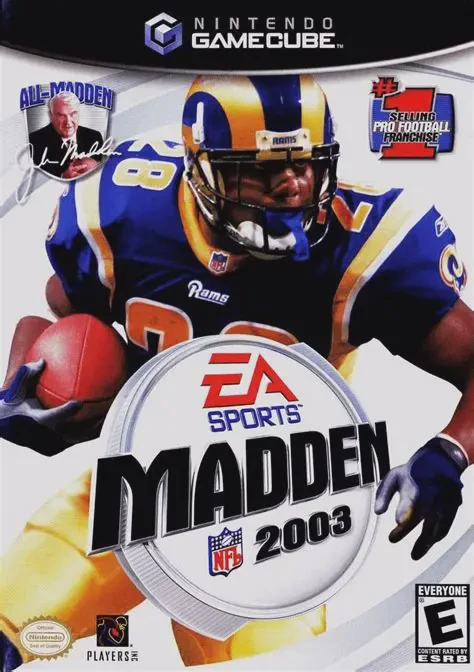
Take the field for another high-caliber football season i...
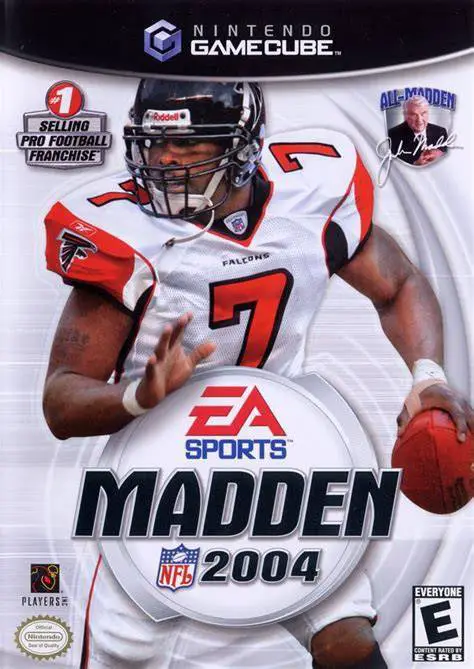
Experience one of the most celebrated entries in sports v...
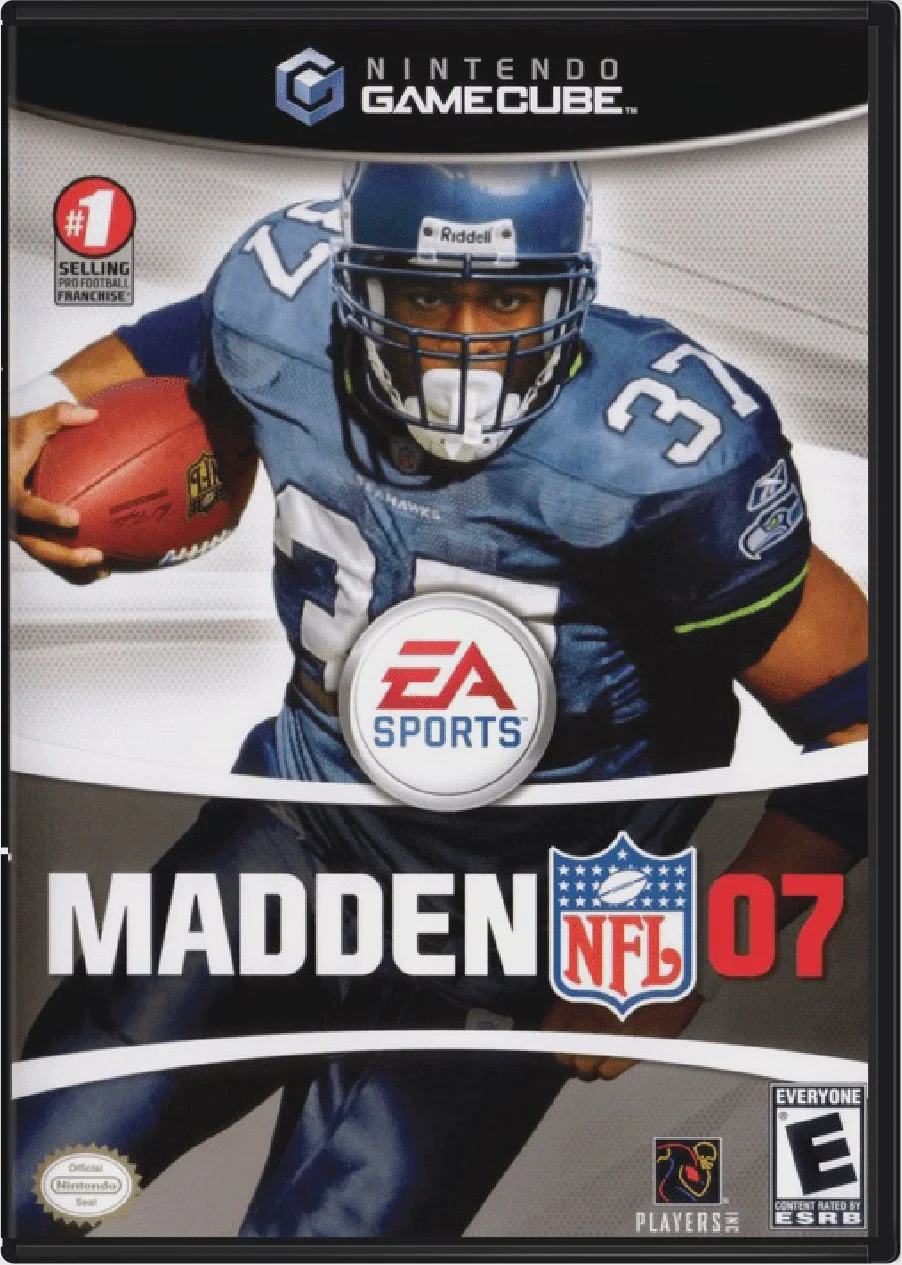
Lead your team to gridiron glory with Madden NFL 07, EA T...
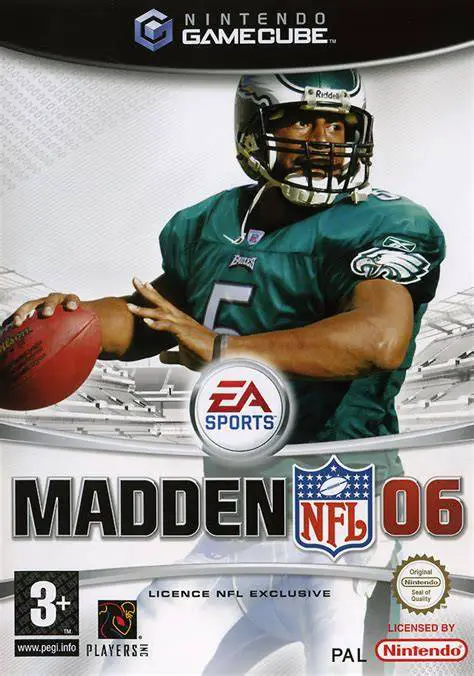
Drive your team to victory in Madden NFL 06, EA Tiburon a...